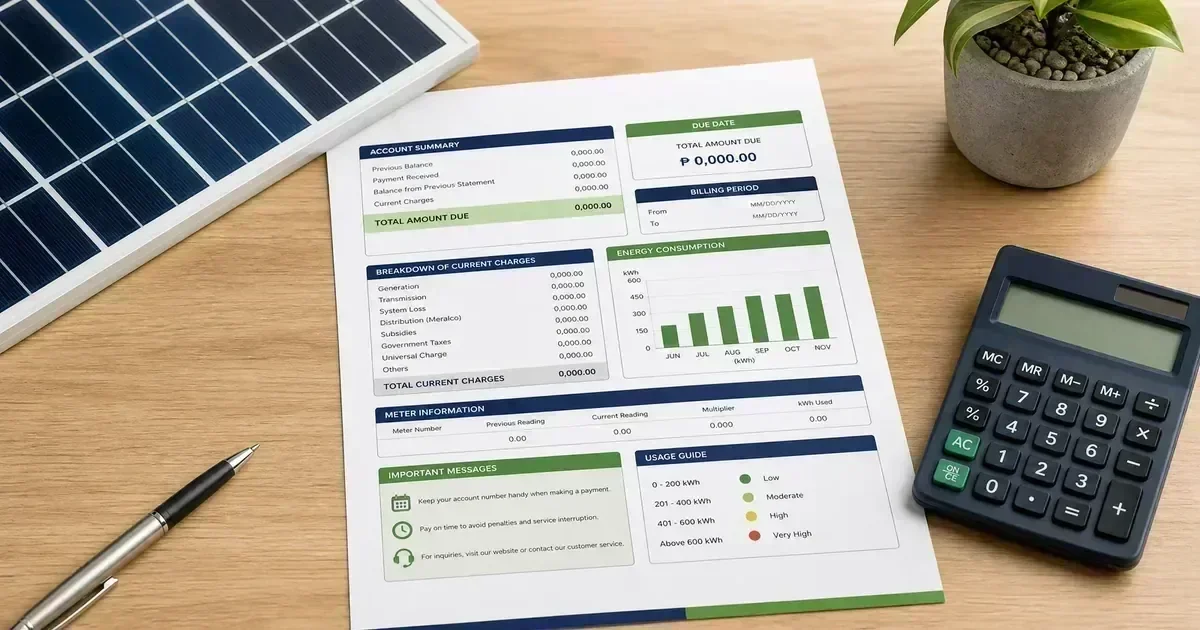
System Sizing
How to Read Your Electric Bill Before Buying Solar
Learn which figures on a Philippine electricity bill matter for solar sizing: kWh, billing days, demand patterns, charges, and daytime versus night use.
Read guide
Philippine solar planning hub
Use the Meralco-style bill simulations for a transparent starting estimate, then browse 46 Philippines-focused guides covering system sizing, batteries, net metering, maintenance, installation planning, and safety-gated troubleshooting.
All calculator results are planning estimates. They are not official utility quotes, electrical designs, approvals, or permission to work on energized equipment.
Planning tool
A guided, step-by-step tool that builds a solar setup around the way your home actually uses power. Part of this planning hub alongside the bill calculator below.
Meralco-style planning
Model one monthly bill scenario with transparent assumptions. This calculator is one tool inside the wider dashboard, which also provides safety triage, planning references, and the full guide library.
Editable assumption only; verify current rates with your distribution utility.
| Planning item | Formula | 350 kWh scenario |
|---|---|---|
| Generation charge illustration | 64% of planning bill | ₱2,688 |
| Transmission illustration | 8% of planning bill | ₱336 |
| System loss illustration | 5% of planning bill | ₱210 |
| Other mandated charges illustration | 11% of planning bill | ₱462 |
| Distribution / utility share illustration | 12% of planning bill | ₱504 |
This is a simplified planning model, not a reproduction of an actual Meralco bill. Actual charges, taxes, fixed fees, rate changes, export credits, battery losses, and utility rules can materially change the result.
Safety gate
Choose the first condition that matches the situation. The tree stops at professional handoff when the risk is high.
Is there smoke, arcing, a burning smell, swelling, leakage, water intrusion, an exposed conductor, or a suspected backfeed?
Choose the first condition that matches the situation. The next step will tell you whether to stop work, observe safely, or prepare a qualified handoff.
Stop-work signs to remember
DIY learner corner
Plain-language glossary of the terms you will meet when sizing and reading about a Philippine solar setup.
Glossary only. Confirm specifications against your equipment manual before any purchase or install decision.
Troubleshooting starter
When something looks wrong, start with these safe observation steps. Do not open the inverter, probe live conductors, or reset a repeatedly tripping breaker. Flag those for a qualified electrician.
Check whether the same socket works for another appliance, then check the circuit breaker for a tripped position.
If a breaker keeps tripping on reset, stop and log the events. Repeated trips are a symptom, not a nuisance.
Compare the charging indicator with today’s weather and your load list. Cloudy days and added appliances explain most “not charging” reports.
If the battery is hot, swollen, or leaking, keep it away from people and hand over to a qualified professional.
Write down the exact error code or warning text before contacting anyone. It is the fastest diagnostic clue for your installer.
Do not disconnect DC wiring to “try again” while panels are exposed to sunlight.
Log the date, time, and what was running. Do not reset a protection device that trips repeatedly. The trips are communicating a fault.
Let a qualified electrician diagnose and re-energize the circuit.
Check your inverter app or monitoring display for today's energy count, then compare with recent sunny days. A similar low figure across clear days suggests a real problem.
Note the pattern for several days before calling anyone; a single cloudy or hazy day is normal in the Philippines.
Write down the exact code and message before doing anything else. The code tells the installer which subsystem failed.
Do not unplug and replug the inverter repeatedly. If the code returns after one proper restart, log it and hand it over to the installer.
Check whether your consumption is simply higher than production today (all appliances running on a cloudy afternoon means nothing left to export).
If export stays at zero for several clear, low-load days, log the readings and let the utility or installer verify the meter connection.
Walk through the simple chain: main AC breaker, DC isolator or switch position, and whether a storm or brownout happened overnight.
If a breaker or isolator tripped, leave it off, log the event, and let a qualified person re-energize after finding the cause.
Compare today's load list with the months before. A new appliance (refrigerator, pump, TV) can silently double your nightly draw.
Sudden fast drain without new loads points to a battery issue; log the discharge times and hand over to the installer instead of opening the battery.
Look for visible moisture, corrosion, or insect nests around the inverter vents and cable entries during daylight, from a safe distance.
Moisture inside electrical enclosures means a stop-work condition. Flag it for a qualified person before the next rain.
Check whether the sag happens at a specific time of day (peak heat hours) or only when heavy loads like aircon and pumps start. Voltage sag under load is a sizing clue.
Sudden, severe dimming across the whole house is not normal; stop heavy loads and log the event for an installer.
A quiet fan or slight transformer hum is often normal. Note when the sound starts: during charging, during export, or at night.
Loud, new, or growing noises, especially with heat, mean the unit needs professional inspection. Keep clear space around it.
Restart the home router first, then check the inverter's indicator lights. Most 'offline' readings are network issues, not faults.
If the app stays offline for days while the system visibly works, note the dates; monitoring gaps hide real problems.
Check that the communication cable between battery and inverter is seated and that no recent move loosened it, from outside, without unplugging under load.
A persistent comms alarm means the battery cannot be managed safely; stop using it for export and flag it for the installer.
Heat marks, melted plastic, or a burnt smell near any connection point are warning signs you can see without touching anything.
This is a stop-work condition: keep the area clear and have a qualified person replace the device before use.
Before the rains, look at the mounting rails, cable ties, and conduit from the ground. Loose panels or chafed cables start small.
After typhoons, check from a safe distance before resuming normal use; debris or shifted panels need a professional review.
After a blackout or nearby strike, check whether the system restarted on its own by looking at the inverter lights and app reading the next morning.
If the system does not come back on by itself, note the event date and time; surge damage can appear gradually and needs a professional check.
Map which rooms or appliances lost power and check their breakers in the main panel. A single tripped branch breaker is the usual cause.
If the dead circuits share one breaker that keeps tripping, stop adding loads to it and log the pattern for an electrician.
Commissioning issues are common: check that the settings match your battery chemistry and that export limits were configured for net metering.
Return to the installer rather than adjusting internal settings yourself. Wrong parameters can damage the battery over weeks.
Check the billing period coverage and whether fixed charges, meter readings, or a rate change explain the difference. Not every rise is a solar fault.
Bring the bill and your system readings to your installer or the utility; the combination usually reveals whether the meter or the setup is the cause.
Advanced off-grid tips: observation first
Look, log, and note the pattern. The fix itself needs a qualified person (Qualified fix shows that).
Repeated night resets on an off-grid charge controller often trace to panel input voltage creeping near the controller's maximum. Humidity and dew shift readings at dawn. Check that your panel string's open-circuit voltage stays under 75% of the controller's limit, and that terminals are dry and torqued.
Voltage verification on live PV wiring is a qualified-person task.
After a full rest period, note the voltage spread across cells or parallel strings. A spread beyond roughly 0.1 V per cell (LiFePO4) or a pack that never reaches full charge suggests imbalance, a BMS communication fault, or a weak cell. Log readings daily for a week before calling your installer.
Cell-level access and balancing belong to the manufacturer's service workflow, not DIY work.
Heat derating is real: inverters and controllers throttle output when enclosures bake under the midday sun. Compare your monitoring app's mid-morning and mid-afternoon readings over several days; a consistent noon dip with high enclosure temperature points to ventilation or shade derating, not a fault.
Adding cooling or relocating equipment is an installation change. Get it reviewed.
New appliance surges (pumps, fridges, microwaves) can exceed the inverter's surge rating even when continuous wattage fits. Keep a two-week log of what was running when each trip happened; a pattern around specific appliances tells the installer whether the inverter's surge headroom, cable sizing, or breaker rating needs upgrading.
Changing breakers or cable ratings is qualified-person work.
A healthy battery holding a steady float voltage is a good sign, but slowly drifting readings across sunny days can mean a weakening cell or a misbehaving charge controller.
Log the daily voltage at the same hour for a week and hand the log to your installer. Drifting patterns are easier to diagnose than single readings.
Some setups hit thermal derating in midday peak heat: the inverter reduces or stops output to protect itself. Note the exact shutdown hour and ambient temperature.
Repeated heat shutdowns mean airflow or placement needs review; keep vents clear but leave enclosure work to the installer.
Fan behavior is an observation point: a fan that never spins on a hot day or runs non-stop suggests thermal stress or a fault flag.
Do not open the controller to check the fan; dust the exterior vents from outside and report the behavior to the installer.
Advanced on-grid tips: observation firs
Look, log, and note the pattern. The fix itself needs a qualified person (Qualified fix shows that).
Grid-tied inverters must disconnect when utility power drops (anti-islanding). Frequent trips during brownouts or storms are the protection doing its job, not a fault.
If trips happen during perfectly stable grid power, log the times and let the utility or installer verify the inverter's sensing circuit.
Export credits appear on billing cycles, not instantly, and require an approved net-metering agreement. Check your agreement status and bill's export line first.
If export shows for 2 to 3 full billing cycles without credit, bring meter readings and agreement documents to the utility's net-metering office.
If your app shows export capping exactly at the configured limit all day, the limit setting may be too conservative for your production.
Export limit changes affect safety and utility rules; request the adjustment from your installer rather than editing it yourself.
Small voltage movement near the panel as solar output rises and falls can be normal, but large swings (more than a few volts) suggest connection or cable issues.
Only an installer should measure and diagnose panel-level voltage behavior; log what you see in the app and describe the pattern.
A new bi-directional meter should register import and export separately. If one direction shows nothing on high-export days, the metering direction may be configured wrongly.
Report it to the utility with your own meter and inverter export readings as evidence; meter configuration is utility work.
Observation steps only. Any work inside live conductors requires a licensed electrician.
CalcSolarPH provides educational planning information for Philippine homeowners and DIY learners. It does not issue electrical permits, certify installations, approve utility interconnections, or replace a site survey.
Philippine solar reference
A one-page planning reference for Philippine homes: system-type direction, panel and battery rules of thumb, net-metering caps, and typical rates. Use the links below to go deeper before requesting a quote.
| Planning question | Quick direction |
|---|---|
| Grid-tied | Best for daytime solar and utility-connected homes that may explore net metering. |
| Hybrid | Adds battery backup for selected loads; confirm transfer equipment and protection design. |
| Off-grid | Requires batteries and generation sized for cloudy periods and essential loads. |
| Battery runtime | Usable Wh ÷ load W × inverter efficiency; apply reserve and manufacturer limits. |
| Panel output rule of thumb | A 550 W panel in the Philippines typically yields about 2–2.5 kWh per day after losses; divide monthly kWh by this range for a first-pass panel count. |
| Battery sizing rule of thumb | Plan for 1–2 days of essential loads: sum essential Wh, then divide by usable depth of discharge and inverter efficiency. |
| Net-metering cap | The household net-metering allowance is capped at 100 kW under RA 9513; most Filipino homes stay well below it. |
| Typical bill rates | Residential rates commonly land between ₱10–16 per kWh depending on class, region, and season; confirm with your distribution utility. |
| ROI quick math | A typical home setup in the 250–450 kWh/month range often recovers its cost in roughly 5–8 years as rates trend upward. |
| Typhoon-season check | Inspect mounting rails, cable ties, and panel edges before June and after each major storm; document any shifts for your installer. |
Planning reference only. Actual system design, utility approval, and electrical work require current documentation and qualified review.
PH savings estimate
Illustrative payback for a Philippine home at roughly ₱14.70 per kWh and 4.5–5 peak sun hours. Actual figures depend on your utility rate class, roof orientation, and shading.
| System size | Est. monthly saving | Est. payback |
|---|---|---|
| 3 kW | ₱1,973–2,467 | 6–8 years |
| 5 kW | ₱3,330–4,070 | 5–7 years |
| 8 kW | ₱5,303–6,537 | 5–7 years |
| 10 kW | ₱6,660–8,140 | 5–6 years |
Cumulative savings (5 kW example)
Estimates only. confirm against a site survey and your utility's current tariff before purchase.
What affects your payback
For DIY learners
Tick the planning items you have already completed. Your readiness band shows what to do next before sizing or quoting a system. This is an educational checklist, not a certification of electrical competence.
Knowledge base
Use the filter for convenience; all article cards are already present in the server-rendered page.
Learn which figures on a Philippine electricity bill matter for solar sizing: kWh, billing days, demand patterns, charges, and daytime versus night use.
Read guide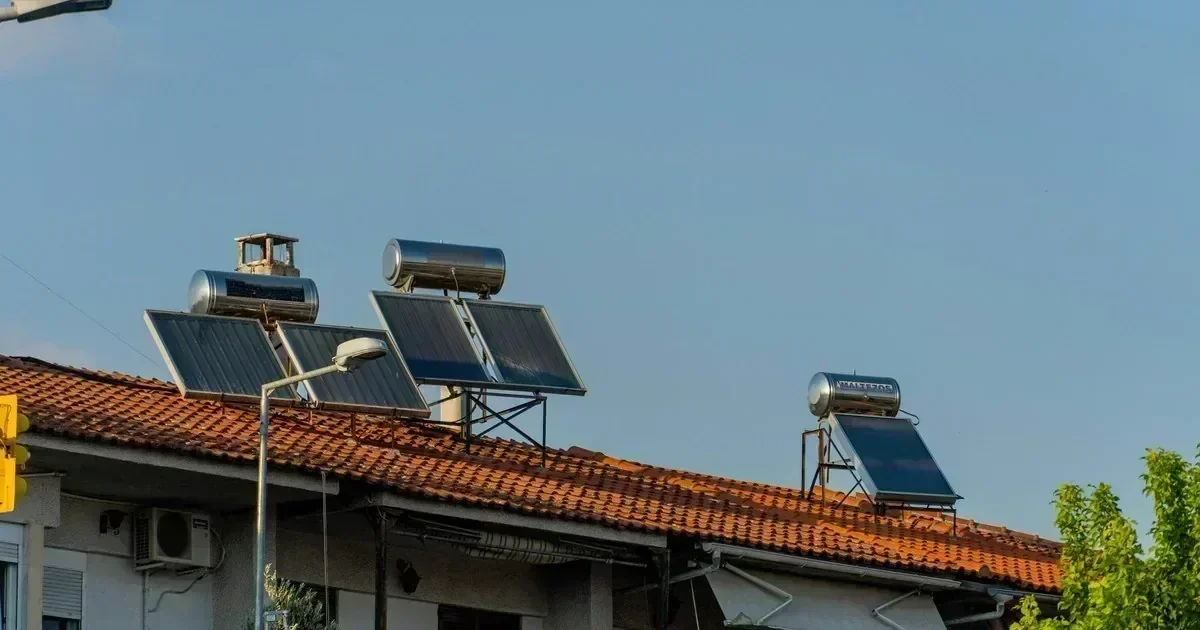
Estimate Philippine home solar size from monthly kWh, panel output, inverter range, battery needs, and a qualified installation review.
Read guide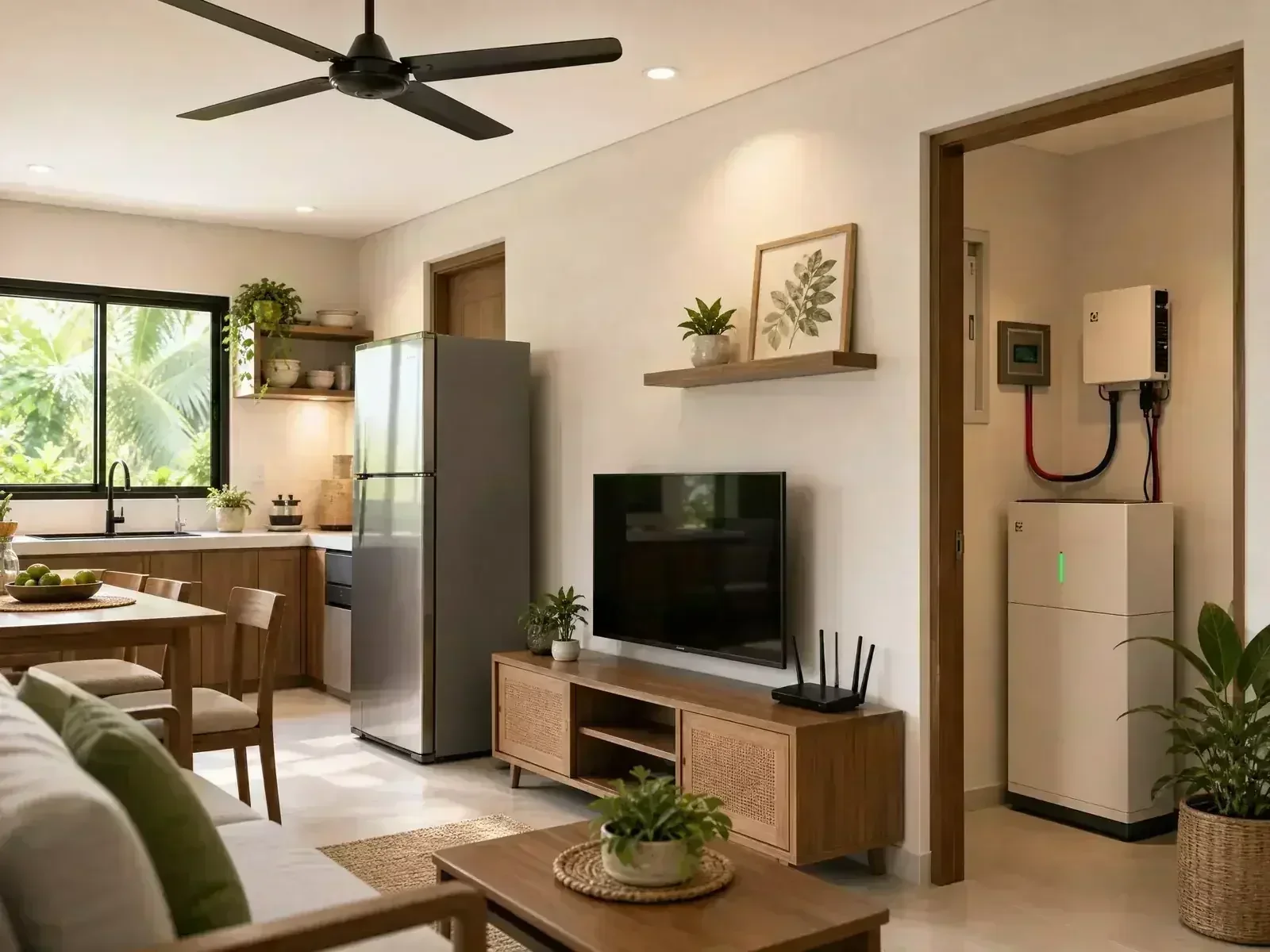
Estimate a solar system for a Philippine home with a ₱5,000 monthly electric bill using kWh, load timing, roof conditions and backup requirements.
Read guide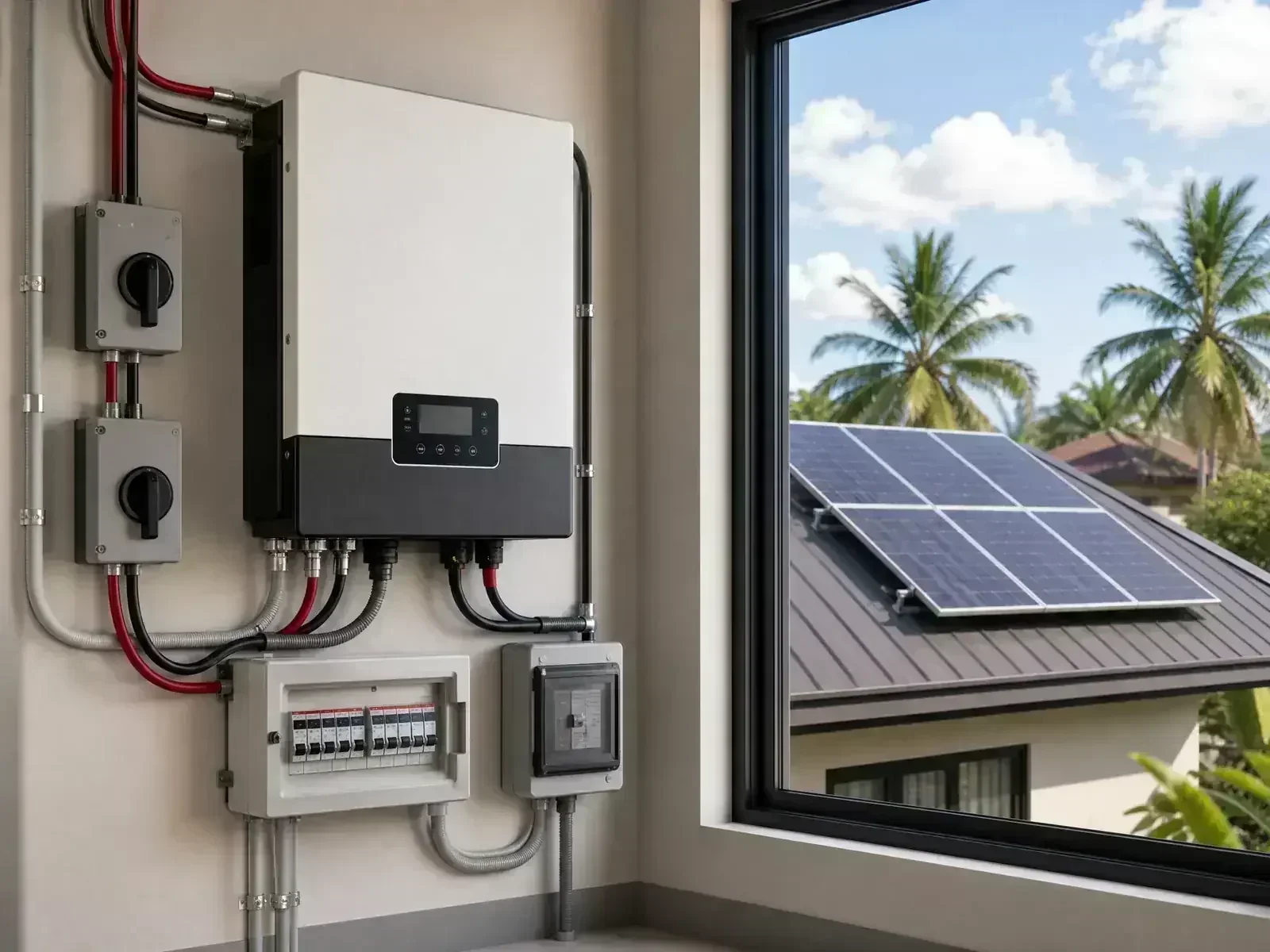
Estimate solar system size for a Philippine home with a ₱10,000 monthly electric bill, including PV, inverter, battery and quotation checks.
Read guide
Solar panel payback period in the Philippines: realistic ROI calculations factoring in Meralco rates, rising electricity prices, and battery costs.
Read guide
Which solar system type fits a Filipino home? We compare off-grid, hybrid, and grid-tied setups by cost, backup power, and Meralco net metering eligibility.
Read guide
How net metering works in the Philippines: Meralco requirements, the 100kW cap under RA 9513, bill credits, and whether it beats battery storage.
Read guide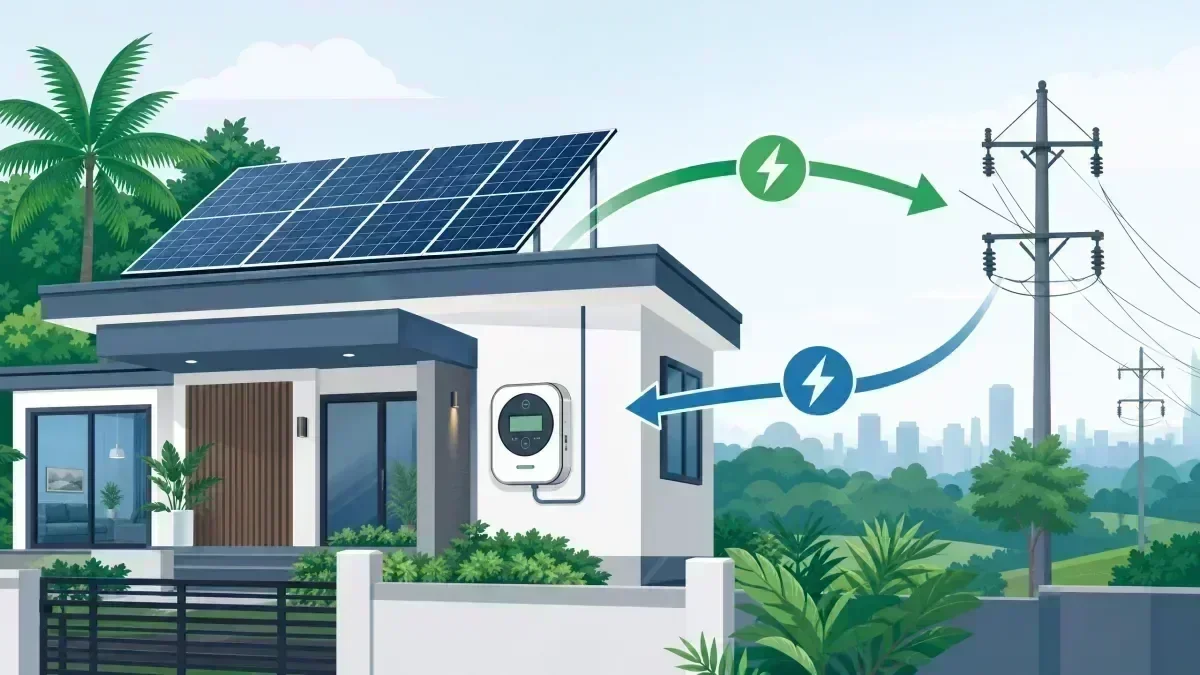
2026 Philippine net metering guide: what the ERC draft amendments propose, what the 1 MW figure means, and what remains in force.
Read guide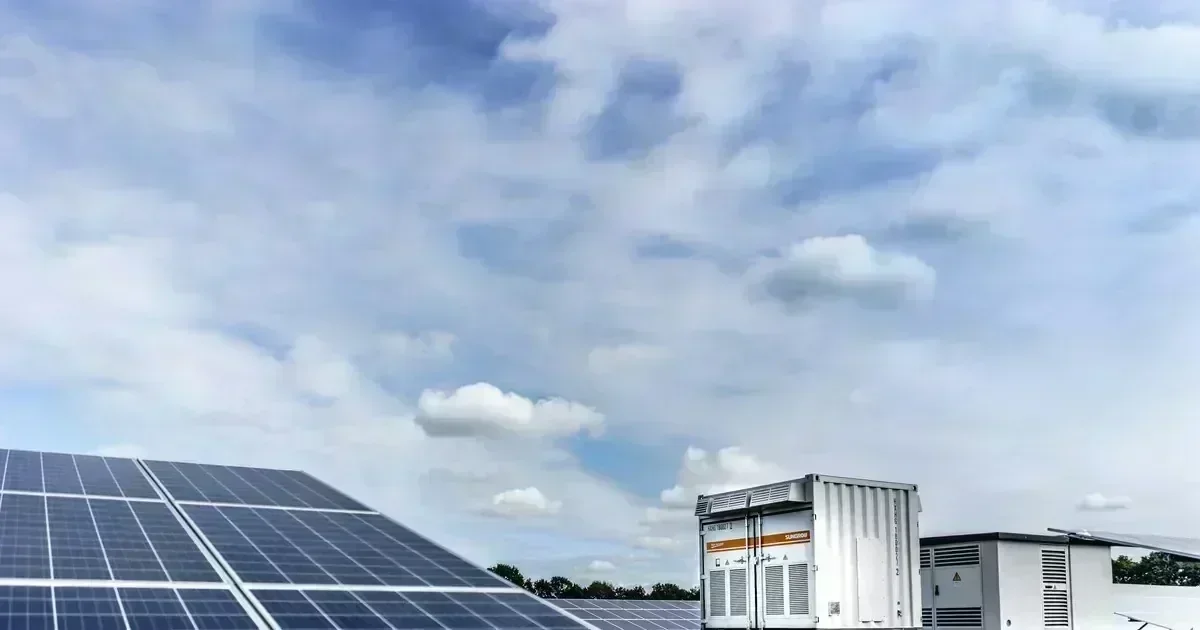
Finance your solar setup in the Philippines: bank loans, credit card installments, leasing, 0% plans, and government incentives under RA 9513.
Read guide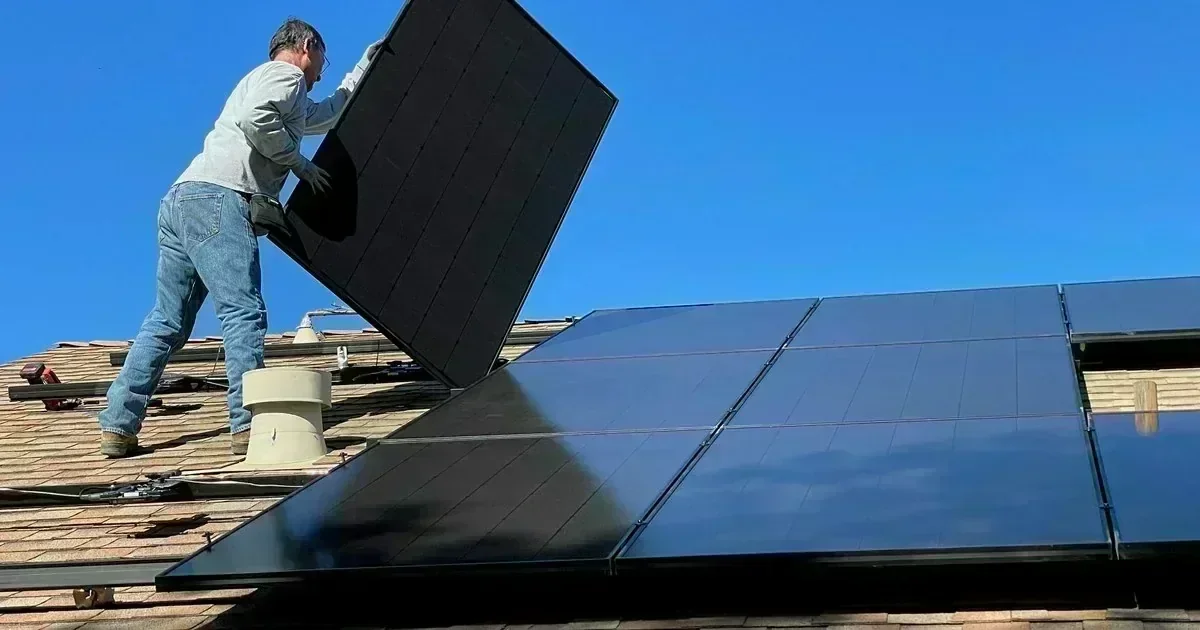
Compare top solar panel brands for the Philippines: warranty terms, Tier-1 status, temperature coefficient, local after-sales support, and efficiency.
Read guide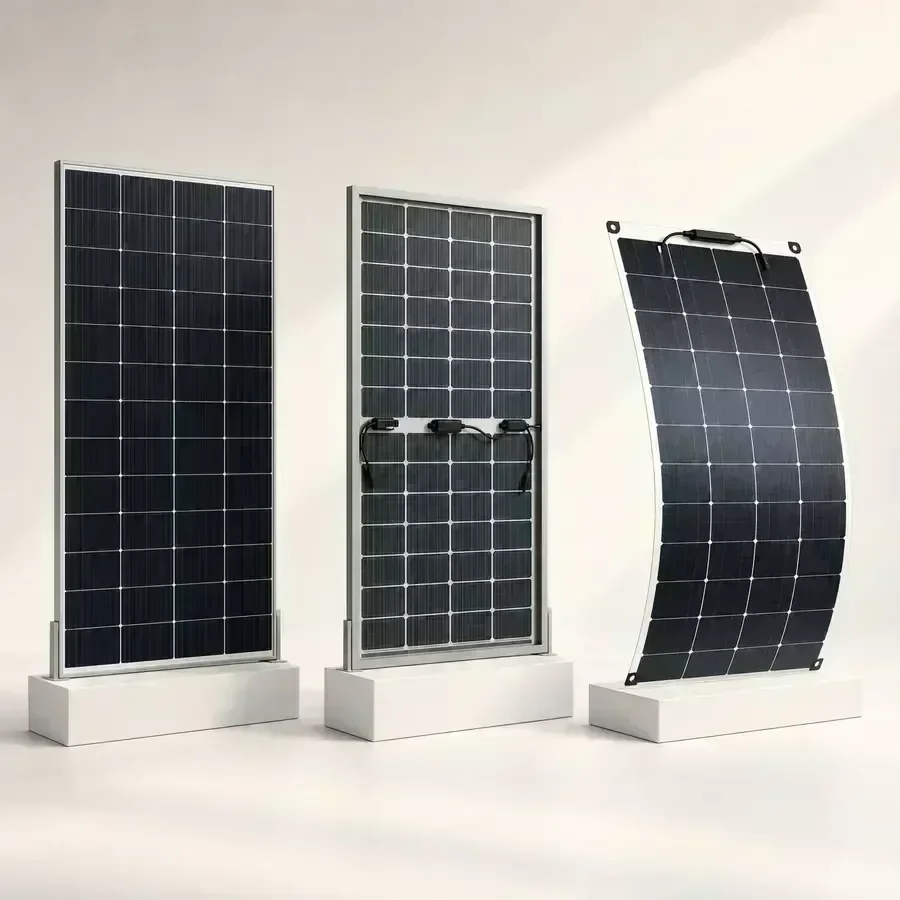
A practical Philippine buyer guide for comparing solar panels by actual model, wattage, roof fit, price per watt, warranty, and seller terms.
Read guide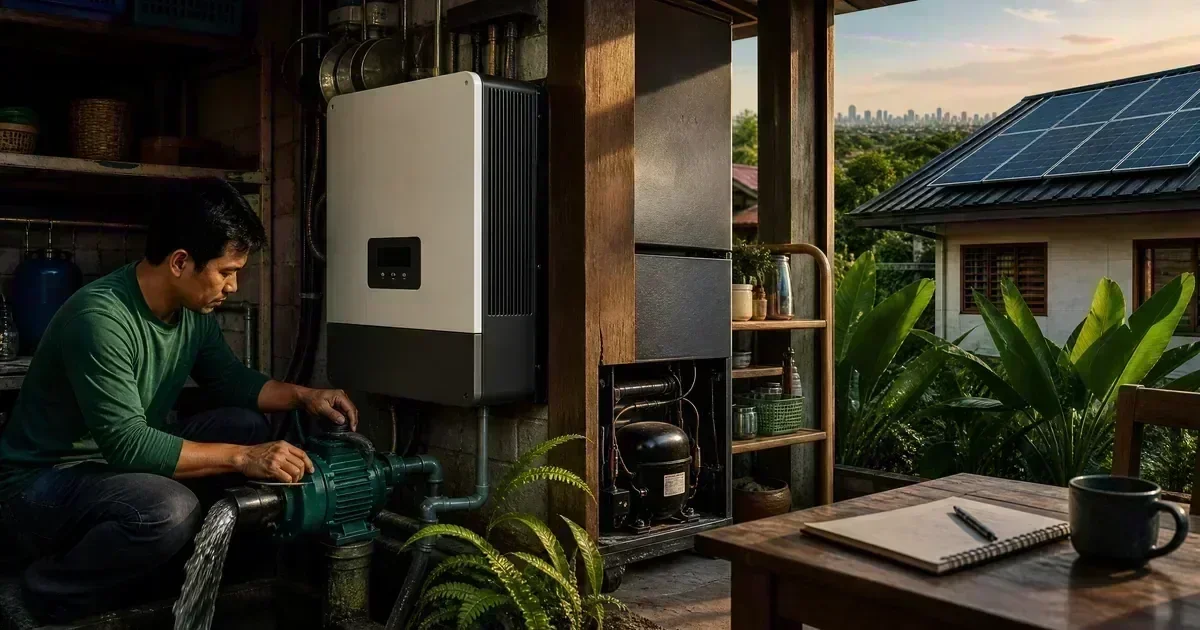
Compare solar inverters in the Philippines by system type, continuous and surge power, battery compatibility, monitoring, warranty, and support.
Read guideCompare 5kW, 8kW, and 10kW solar inverter choices in the Philippines by load profile, surge demand, battery plan, backup circuits, and quotation scope.
Read guide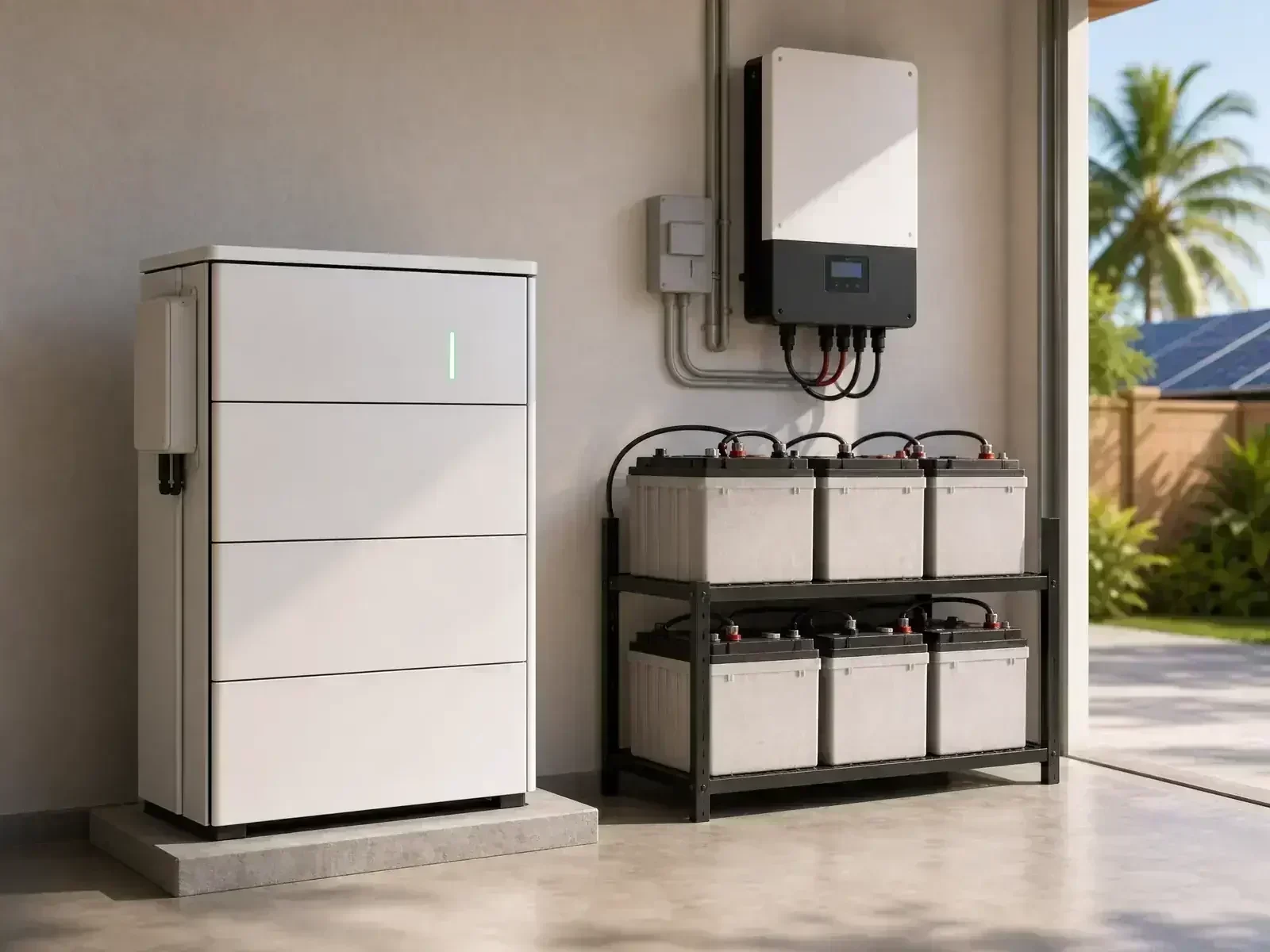
Compare LiFePO4 batteries for Philippine solar by usable capacity, voltage, BMS, inverter compatibility, safety, warranty, and installation.
Read guide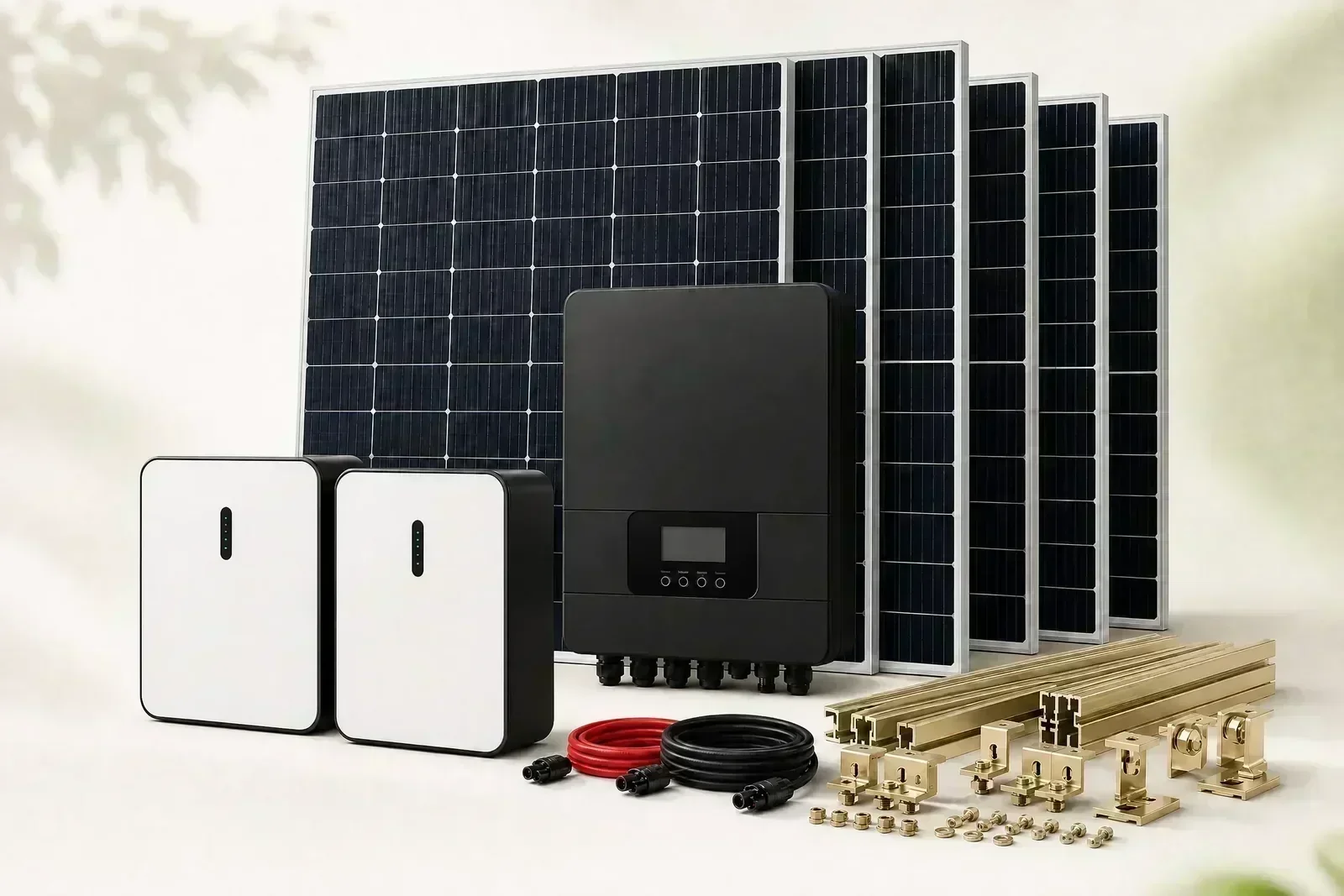
How to compare Philippine solar quotations by system size, battery capacity, included hardware, installation scope, warranty, exclusions, and total cost.
Read guideA practical Philippine guide to what a 5kW inverter or solar system can run, including aircon, refrigerator, pumps, induction cookers, and simultaneous loads.
Read guide
How to size your solar inverter and panel array for Philippine homes: load profiling, surge power, and matching hardware to your Meralco bill.
Read guide
LiFePO4 vs lead-acid solar batteries in the Philippines: cycle life, depth of discharge, safety, and total cost of ownership compared.
Read guide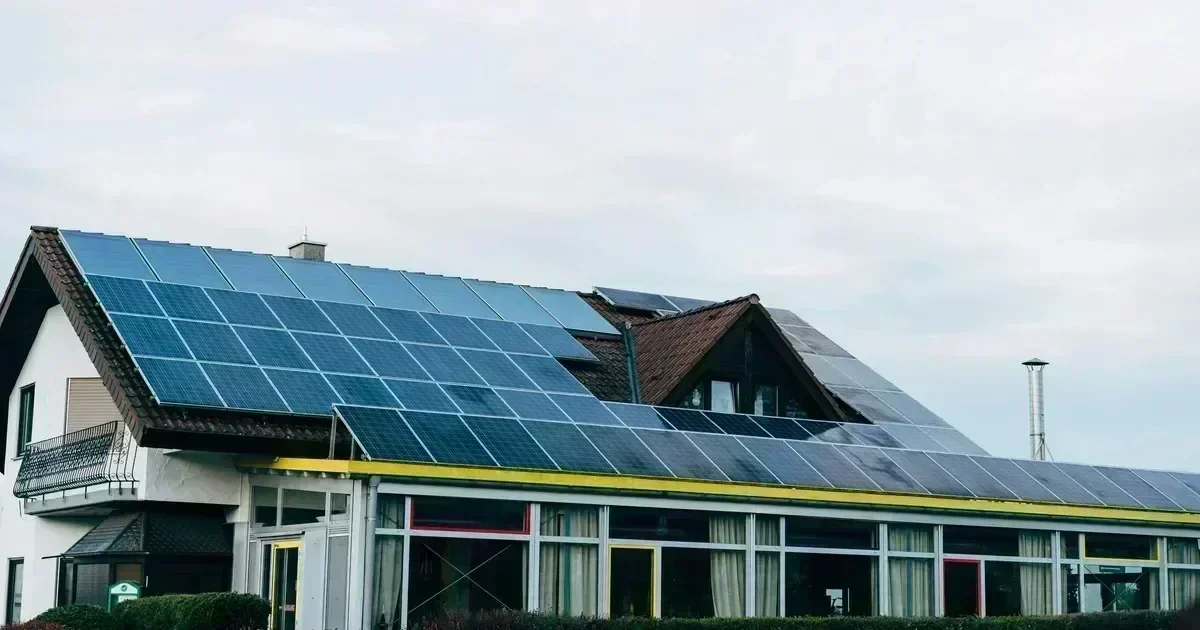
Solar vs generator for PH brownouts: 2026 cost comparison: ₱14.80/kWh Meralco vs ₱88/L diesel, running cost per hour, and typhoon outage reliability.
Read guide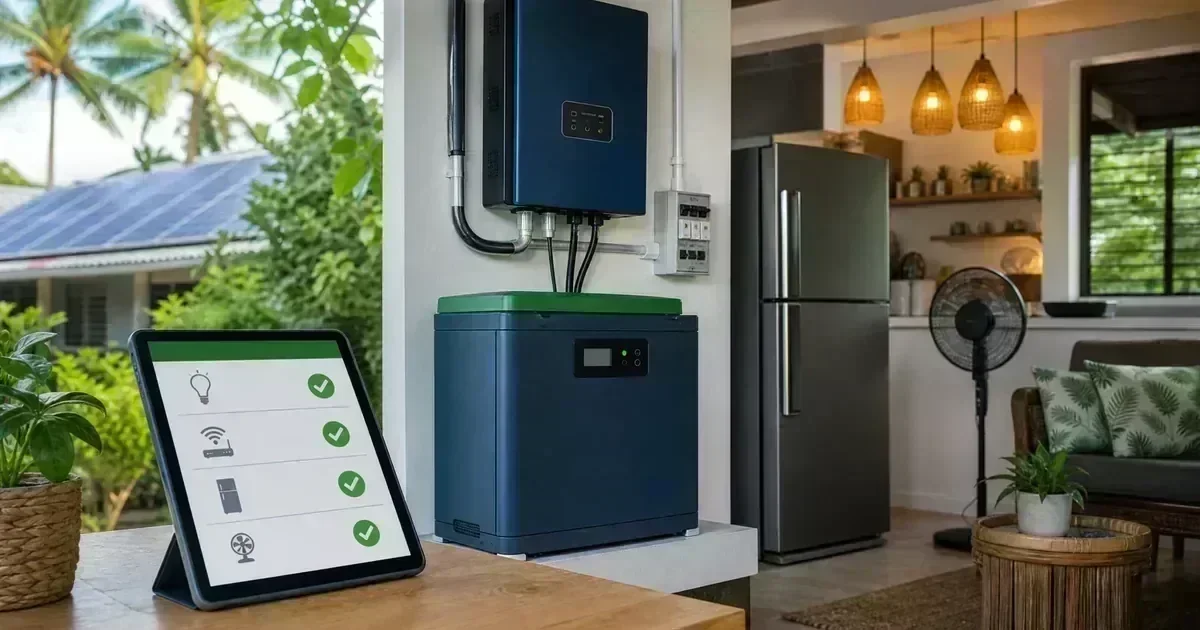
Build a realistic solar backup plan for Philippine brownouts by ranking refrigerators, lights, fans, internet, pumps, and other essential household loads.
Read guide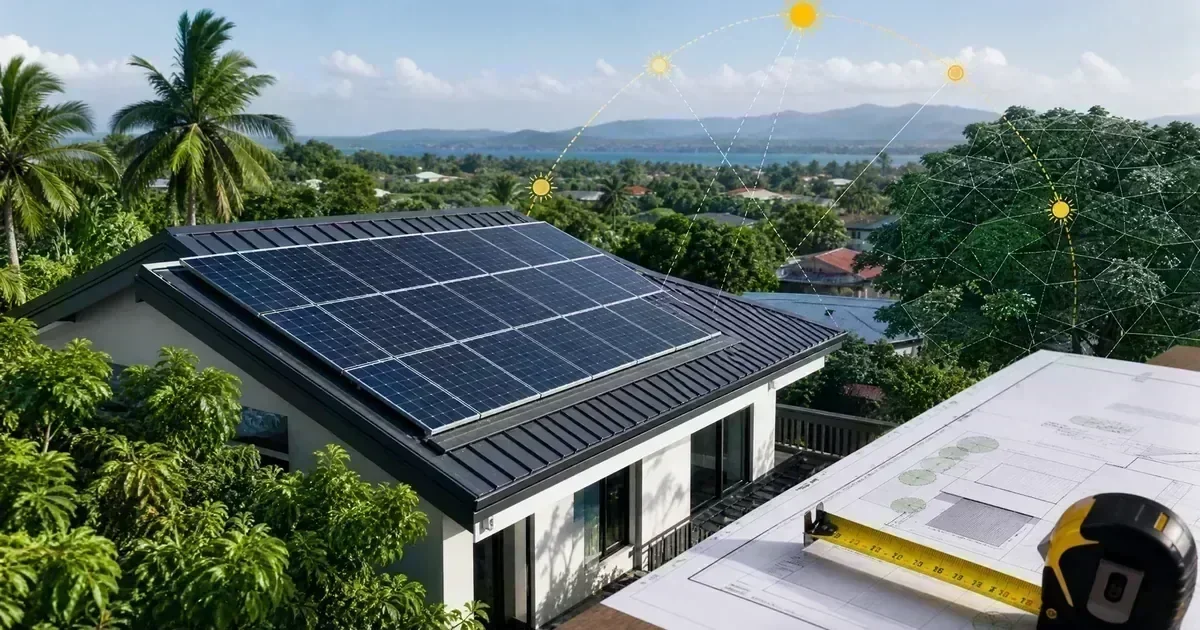
Evaluate a Philippine roof for solar before requesting quotes: shade timing, orientation, roof condition, tilt, access, storm exposure, and usable panel area.
Read guide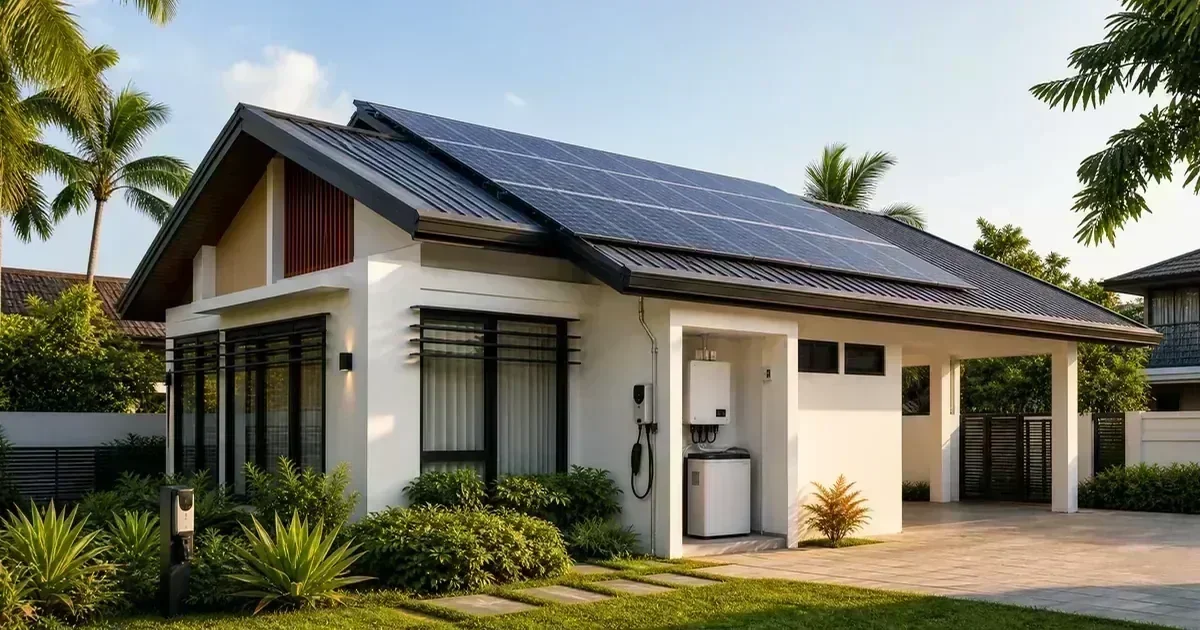
Planning a new Philippine home? Use this solar-ready checklist for roof space, conduits, electrical panels, grounding, batteries, and future expansion.
Read guide
Estimate how long a solar battery can support Philippine household loads using usable capacity, inverter efficiency, battery reserve, and appliance watts.
Read guideA practical guide to sizing a solar inverter around continuous load, startup surge, motor behavior, battery current, and essential backup priorities.
Read guide
Learn how to prepare, document, and troubleshoot an MPPT charge controller safely without bypassing protection or probing energized DC conductors.
Read guide
What DOE DC2026-08-0017 changes for own-use, zero-export, and micro-solar systems in the Philippines, and what remains proposed.
Read guide
Prepare documents and installer questions for Philippine solar permits, inspections, and utility handoff without presenting legal advice.
Read guide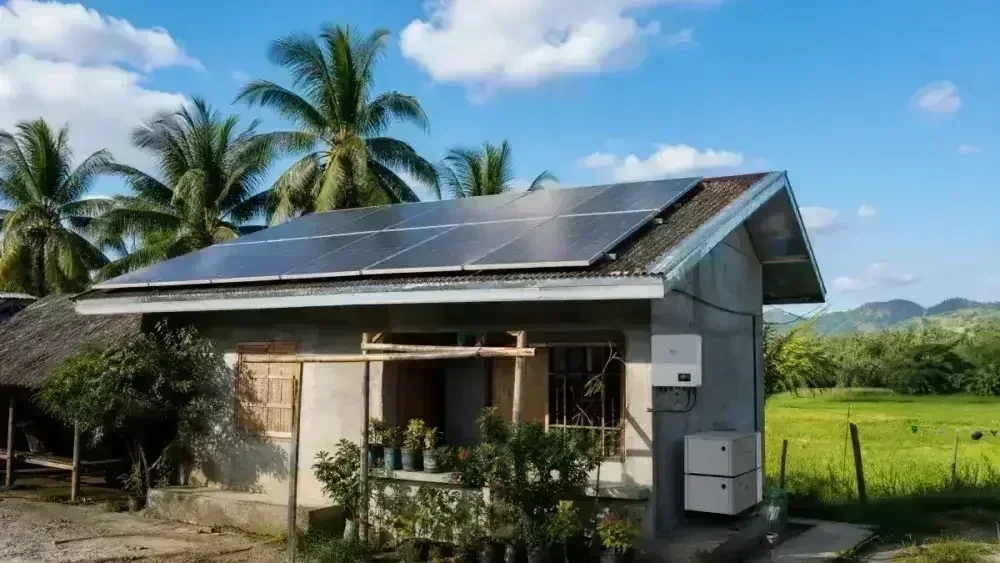
Plan an off-grid solar system for a Philippine provincial home, farm, or island community: sizing, batteries, costs, and practical considerations.
Read guide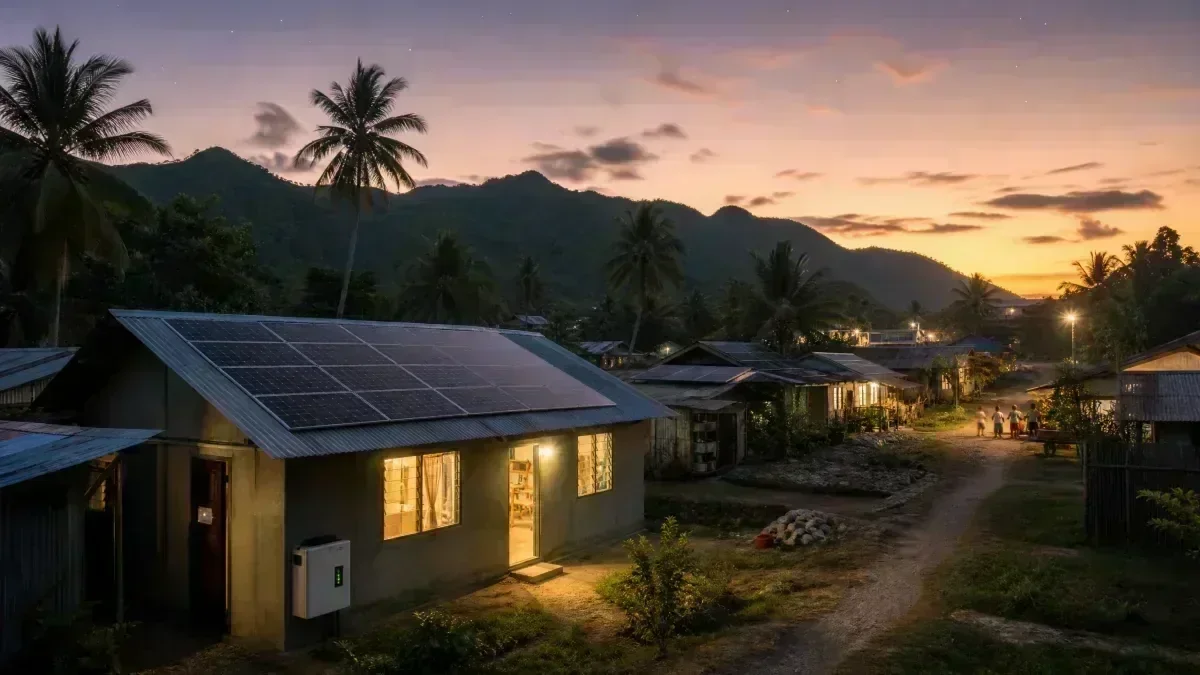
How Philippine farms can use solar for irrigation, milling, poultry, and other loads, with practical sizing, costs, and ROI considerations.
Read guide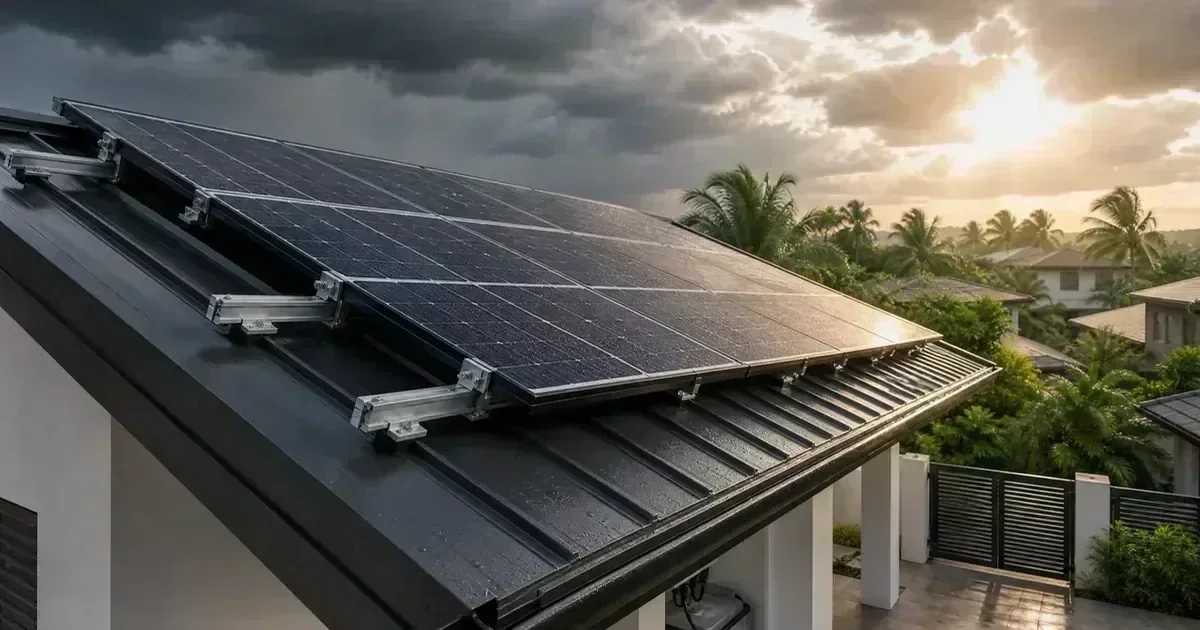
Protect your rooftop solar from typhoons: wind-rated mounting rails, roof attachment methods, panel tilt, cable protection, and pre-season inspections.
Read guide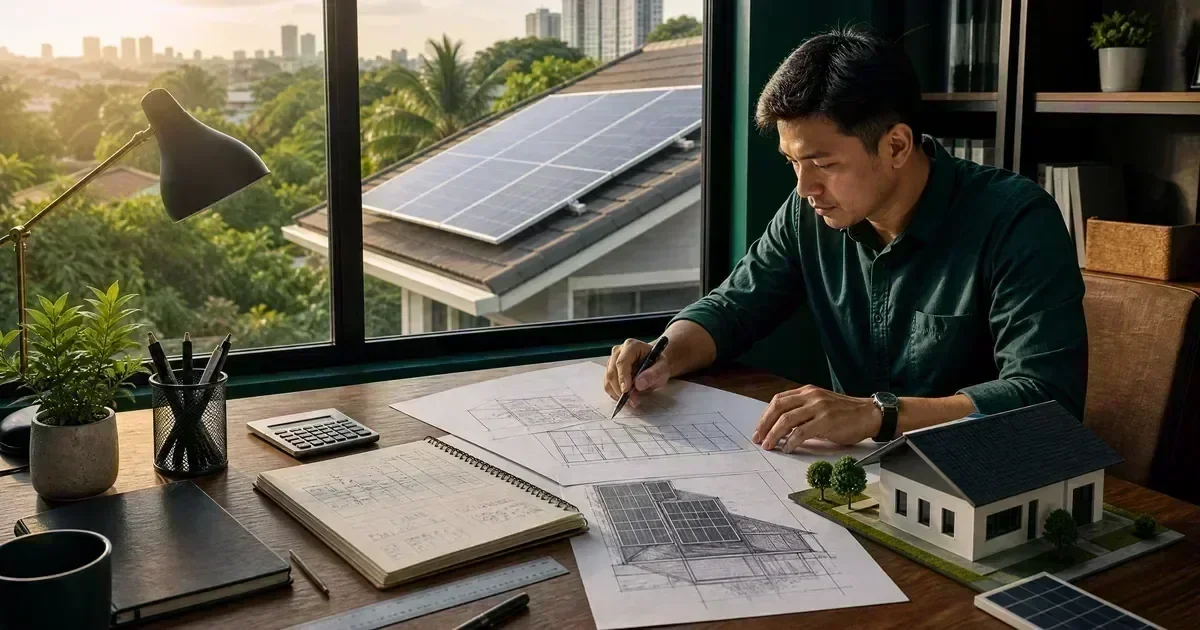
Safety-gated DIY solar planning for Philippine homeowners: roof checks, components, documentation, installer handoff, commissioning, and stop-work limits.
Read guide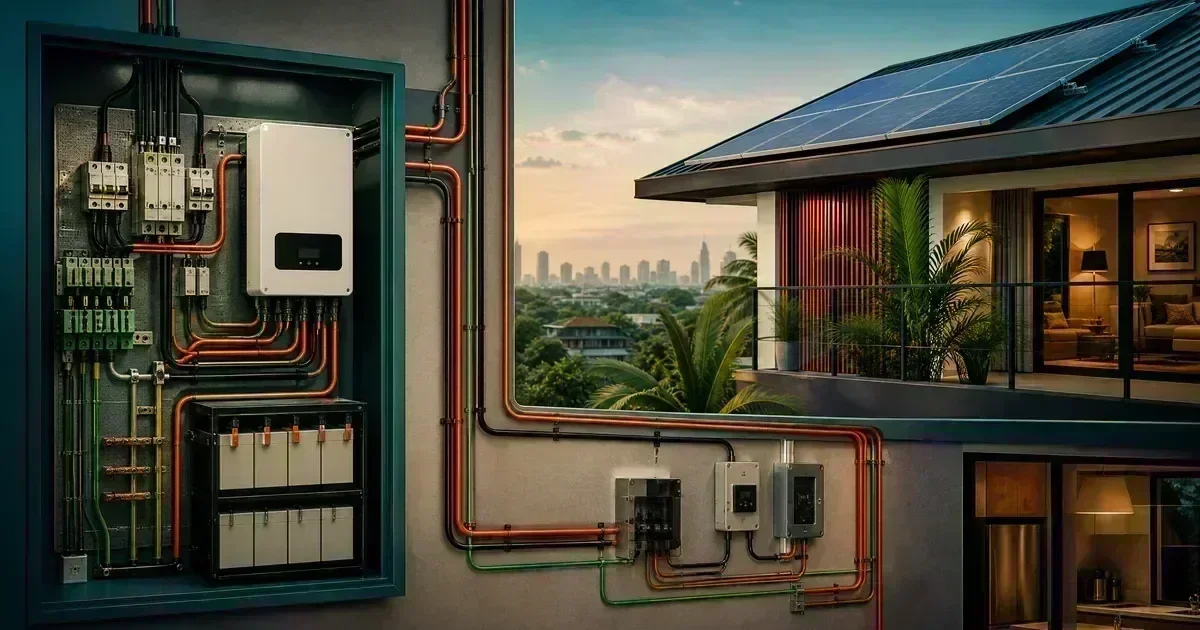
Learn to read a Philippine residential solar wiring diagram, follow energy paths and protection zones, and prepare safe installer questions.
Read guide
Understand PV and battery cable sizing, voltage drop, temperature, routing, and protection questions before asking an installer to verify the final design.
Read guide
Plan a Philippine solar battery bank with voltage, usable capacity, BMS limits, temperature checks, documentation, and clear stop-work conditions.
Read guide
Solar installation handover checklist for the Philippines: verify wiring, labels, commissioning, manuals, monitoring, warranties, and service records.
Read guide
Document equipment, protection, settings, monitoring, backup circuits, and unresolved issues with this Philippine solar commissioning checklist.
Read guide
Practical solar maintenance tips for Filipino homeowners: panel cleaning, shading checks, inverter monitoring, and electrical inspections.
Read guide
Keep your solar panels producing at peak: cleaning schedule, storm checks, inverter monitoring, and typhoon-season prep for tropical Philippine weather.
Read guide
Learn to read solar monitoring data in the Philippines: daily yield, current power, battery state of charge, grid flow, and inverter alarms.
Read guide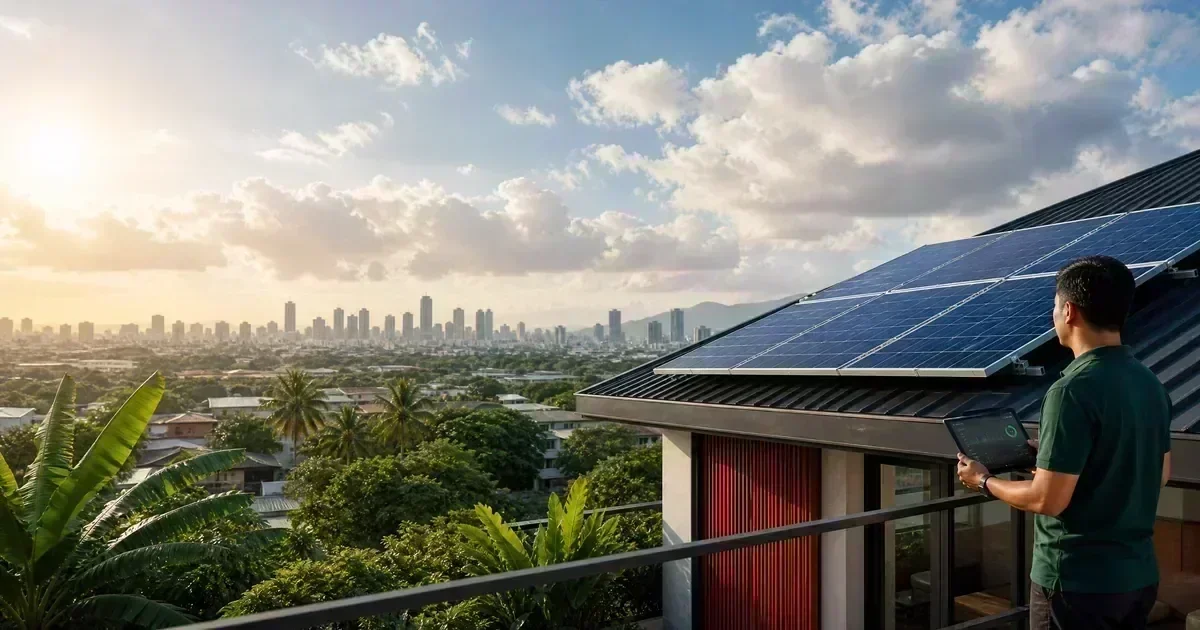
A safety-gated guide to checking solar panel performance using visual inspection, monitoring data, weather context, and qualified electrical testing.
Read guide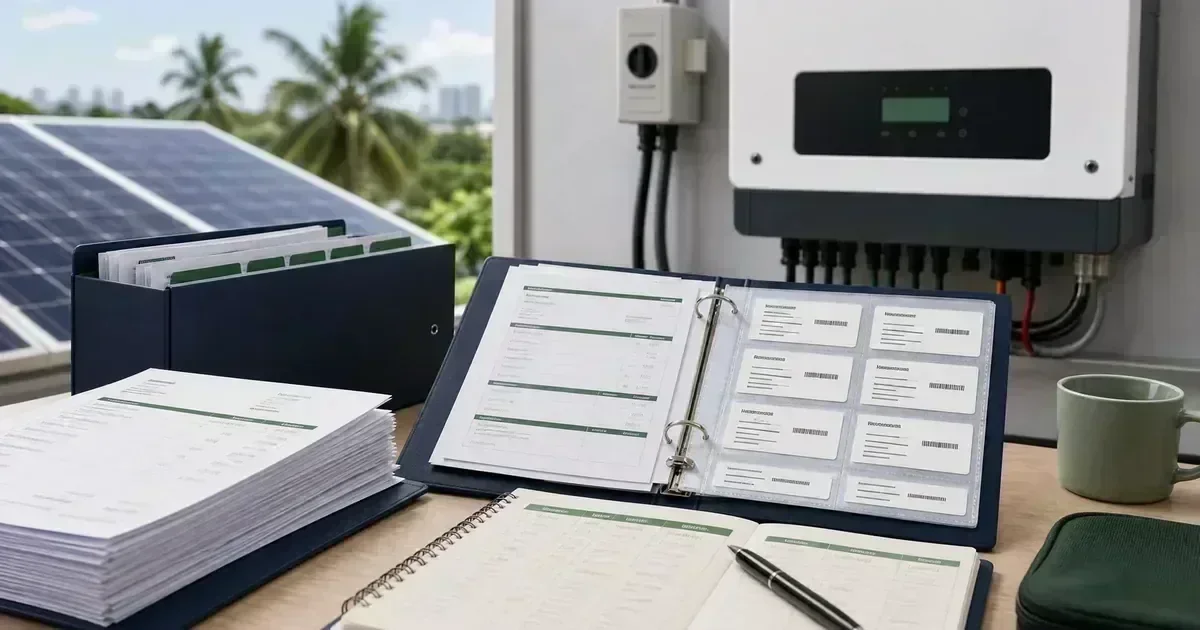
Build a Philippine solar system file with equipment serial numbers, warranties, maintenance logs, installation photos, invoices, and service records.
Read guide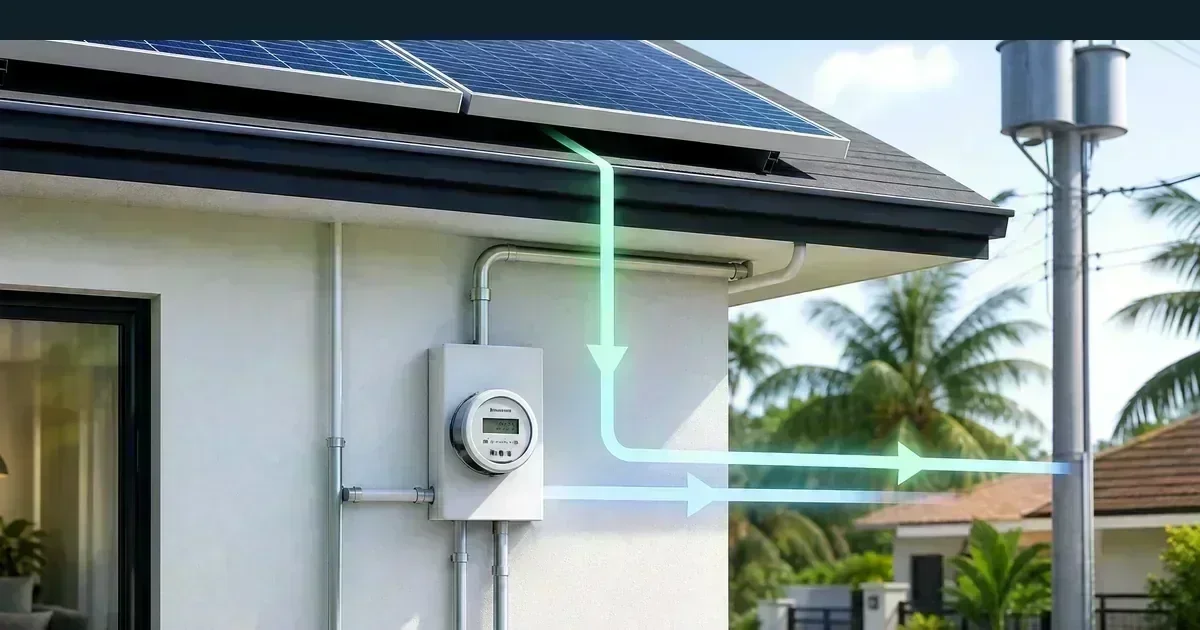
A homeowner-focused guide to solar backfeed hazards, transfer equipment, backup circuits, labeling, and safe questions for Philippine installations.
Read guide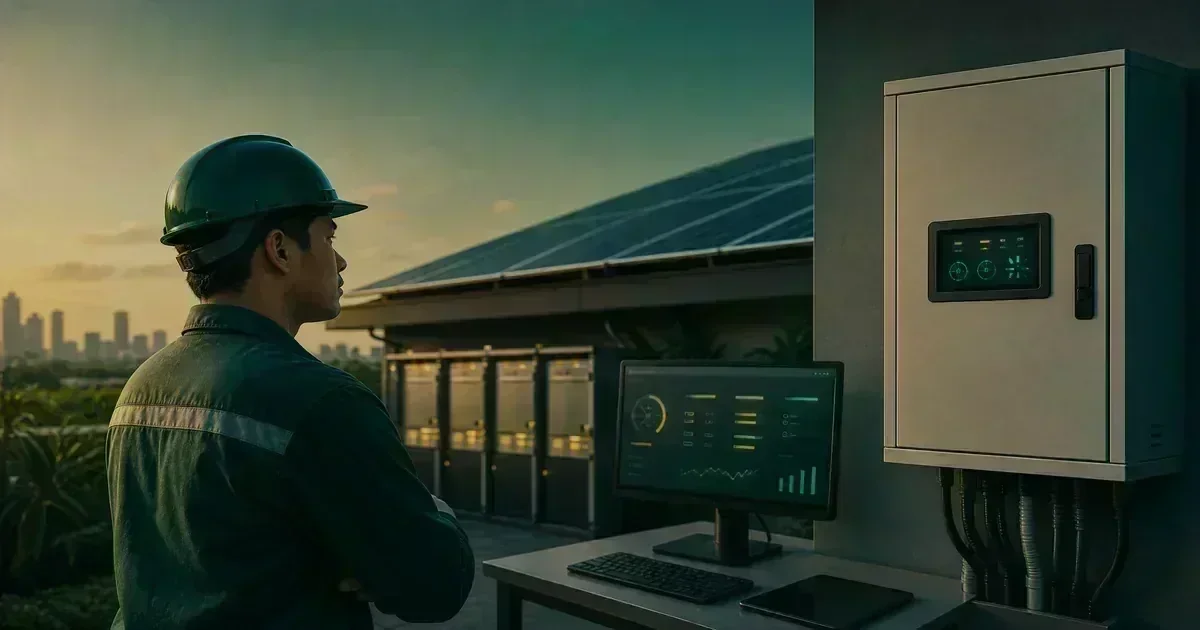
Use a structured observation log to diagnose solar fuse, breaker, inverter, and BMS trips without bypassing protection or resetting a dangerous fault.
Read guide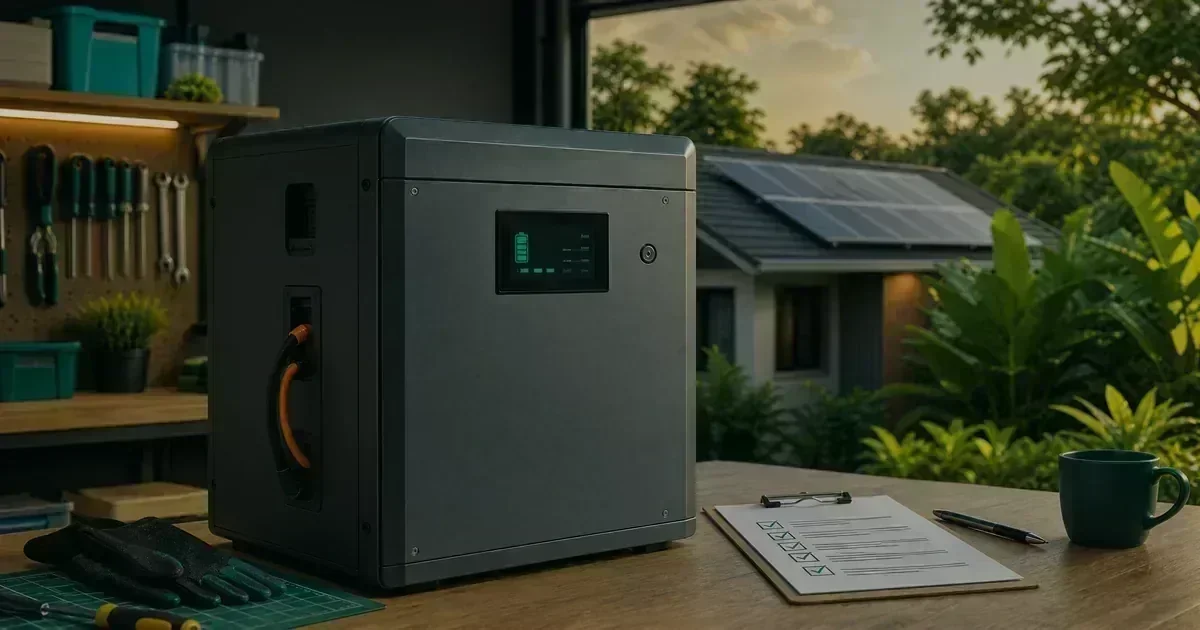
A practical emergency-response guide for solar battery swelling, leakage, overheating, smoke, and BMS alarms, with clear stop-work steps.
Read guide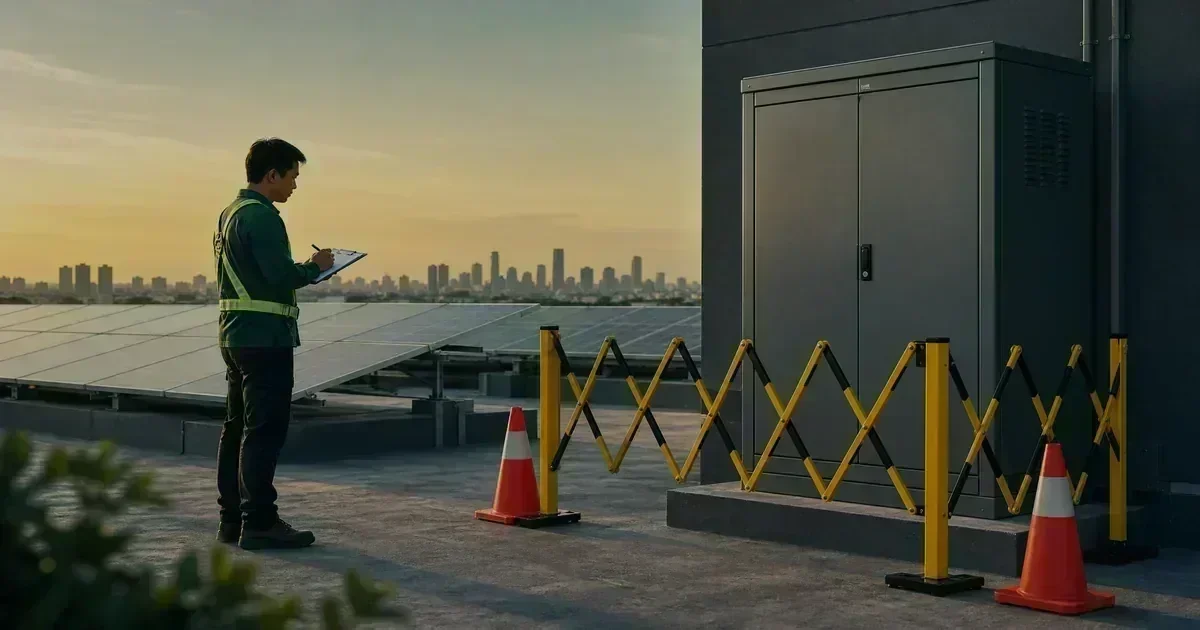
Learn how to document solar faults without contacting live DC conductors, using monitoring records, safe observations, and a structured professional handoff.
Read guide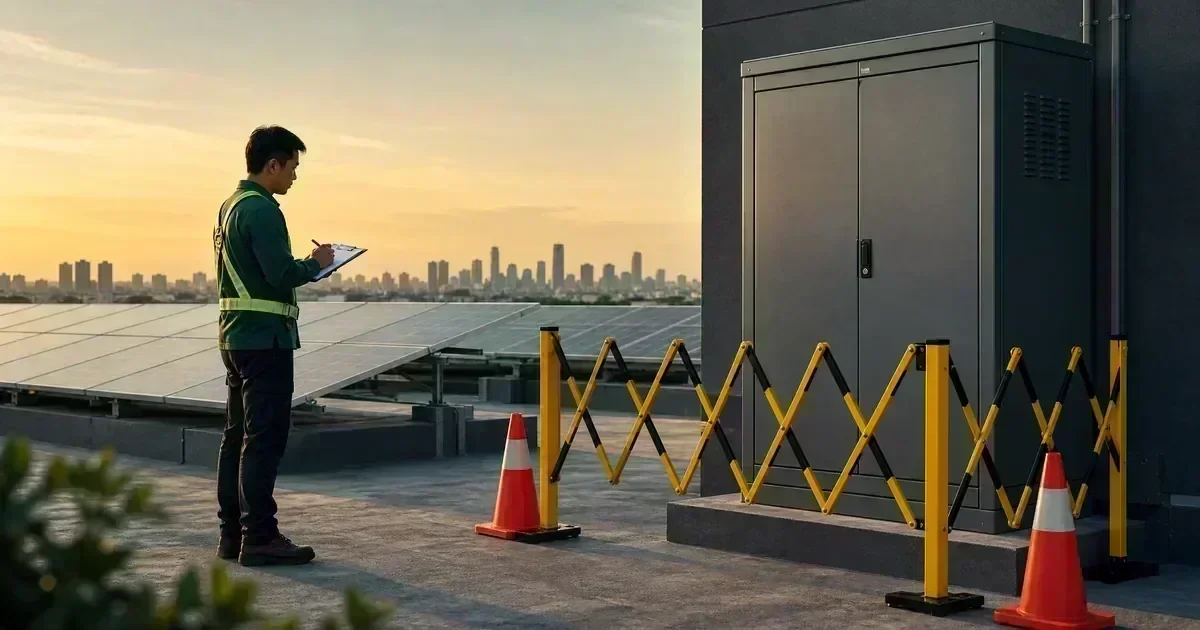
Understand why intentional solar short-circuit tests can be hazardous and how DIY owners can use monitoring, documentation, and qualified testing instead.
Read guideNo guides match this topic.