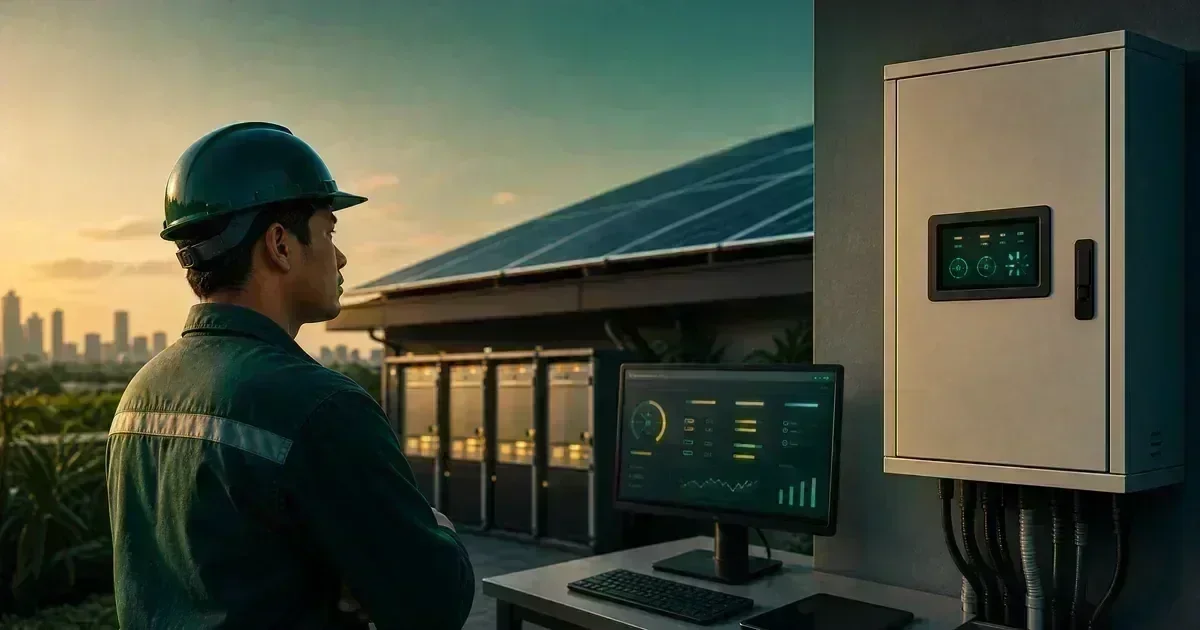
Learn how to prepare, document, and troubleshoot an MPPT charge controller safely without bypassing protection or probing energized DC conductors. For the next planning step, see inverter sizing for motors, pumps, and refrigerators.
What an MPPT controller does
An MPPT controller adjusts the operating point of a PV array so the battery receives useful charging power within the controller’s voltage, current, temperature, and battery-chemistry limits. It is not a universal adapter. The array and battery must fit the controller’s approved operating envelope. For the next planning step, see how much solar power your home actually needs. For a personalized system check, use the CalcSolarPH solar calculator.
Check compatibility on paper first
Compare the array’s open-circuit voltage in the coldest expected condition with the controller’s maximum PV input voltage. Compare current and power limits, battery voltage, chemistry profile, communication requirements, and maximum charge current. Keep a written record of the assumptions and the exact model number.
Use the correct startup sequence from the manual
Many controllers specify how the battery and PV sources should be recognized and how shutdown should be performed. Follow the exact manufacturer sequence. If the manual is missing or the terminals are unlabeled, do not guess. Ask the installer or manufacturer for the correct procedure.
Troubleshoot from observations
Record battery voltage shown by the controller, PV voltage or production status, charging current, time of day, weather, error codes, temperature, and whether the battery is already full or protected. A “not charging” report can result from darkness, shading, a full battery, a configured charge limit, a communication fault, a disconnected sensor, or an actual fault.
Check the non-invasive causes first
Inspect the display, app history, visible labels, cable support, connector condition, and breaker position without opening energized equipment. Compare similar sunny periods rather than one cloudy afternoon. Do not remove covers, bridge terminals, or use a meter on conductors unless a qualified person has confirmed the method and isolation state.
Know when a controller is not the problem
A battery BMS lockout, incorrect chemistry profile, shading, a failed PV connector, a low-sun period, or an inverter operating mode can look like a controller fault. The useful DIY contribution is a clean symptom log that lets a technician narrow the fault without unsafe experimentation. For the next planning step, see our inverter and panel sizing guide.
A practical DIY evidence log
Keep a dated record of assumptions, measurements made from a safe location, photos, model numbers, weather, alarms, and questions for the installer. Good records make troubleshooting faster and reduce the temptation to experiment with energized equipment.
Frequently Asked Questions
Why is my MPPT showing PV voltage but no charge?
Possible causes include a full or protected battery, configured charge limits, communication issues, shading, a battery-side condition, or a fault. Read the manual and record the operating context.
Should I change settings until charging starts?
Do not change multiple settings blindly. Confirm the chemistry, voltage, charge limits, and manufacturer-approved profile first.
Can I test a controller by shorting terminals?
No. Never short or bridge terminals to test a solar controller.
Use the CalcSolarPH calculator for an initial estimate, then compare the result with the solar products catalog and have the final electrical design reviewed by a qualified professional. For the next planning step, see how to read your Philippine electric bill.