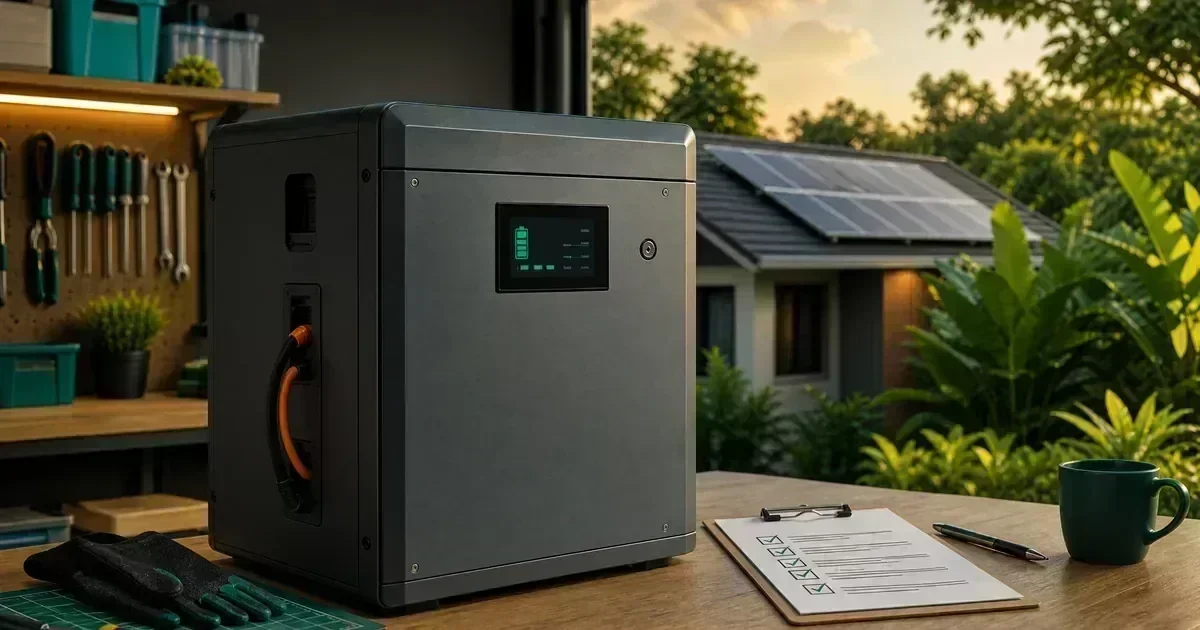
A safety-first guide to solar battery-bank planning in the Philippines, including voltage, usable capacity, BMS limits, temperature, documentation, and stop-work conditions. For the next planning step, see solar battery runtime guide.
Start with the battery’s real specifications
Record nominal voltage, usable capacity, maximum continuous charge and discharge current, recommended temperature range, communication requirements, enclosure rating, cycle-life assumptions, and warranty conditions. “100Ah” alone does not describe how much energy the battery can safely deliver or how the inverter will use it. For the next planning step, see LiFePO4 battery buying guide. For a personalized system check, use the CalcSolarPH solar calculator.
Design around usable energy
A planning estimate should distinguish nominal energy from usable energy. Reserve requirements, inverter efficiency, temperature, battery age, and the manufacturer’s state-of-charge limits affect runtime. Use the calculator for a first estimate, then verify the result against the exact battery and inverter manuals. For the next planning step, see LiFePO4 vs lead-acid battery comparison.
Treat parallel and series arrangements carefully
Series connections change voltage; parallel connections change capacity and current capability. The arrangement must be approved by the battery manufacturer and supported by the BMS, cabling, balancing method, protection, and inverter settings. Do not mix batteries with different chemistry, age, model, state of health, or firmware unless the manufacturer explicitly permits it.
Read BMS information as a safety signal
Charge, discharge, temperature, communication, and cell-balance alarms may indicate conditions that need service rather than a reset. Record the alarm code and operating context. Do not repeatedly clear a protection event without identifying why it occurred, and never bypass the BMS or protection device.
Plan the battery location
Keep batteries away from flooding, direct sun, excessive heat, impact, ignition sources, and unauthorized access. Provide the clearances, ventilation, enclosure, and mounting required by the manufacturer. Swelling, leakage, a burning smell, unusual heat, smoke, hissing, or repeated protection trips are stop-work conditions.
Verify records before acceptance
Keep serial photos, datasheets, invoice, warranty terms, BMS communication details, configuration screenshots, and commissioning results. Ask the installer to document the initial state of charge, approved operating window, temperature limits, and the procedure for isolating the system during service. For the next planning step, see essential-loads backup guide.
A practical DIY evidence log
Keep a dated record of assumptions, measurements made from a safe location, photos, model numbers, weather, alarms, and questions for the installer. Good records make troubleshooting faster and reduce the temptation to experiment with energized equipment.
Frequently Asked Questions
Can I combine any two 12V batteries?
No. Compatibility depends on chemistry, model, age, BMS behavior, manufacturer approval, cabling, and protection.
What does a BMS alarm mean?
It means the battery management system detected a condition requiring attention. Record the code and follow the manual or service process instead of bypassing protection.
When should I stop immediately?
Stop and keep people away if there is swelling, leakage, smoke, a burning smell, abnormal heat, arcing, exposed damage, or repeated protection trips.
Use the CalcSolarPH calculator for an initial estimate, then compare the result with the solar products catalog and have the final electrical design reviewed by a qualified professional.