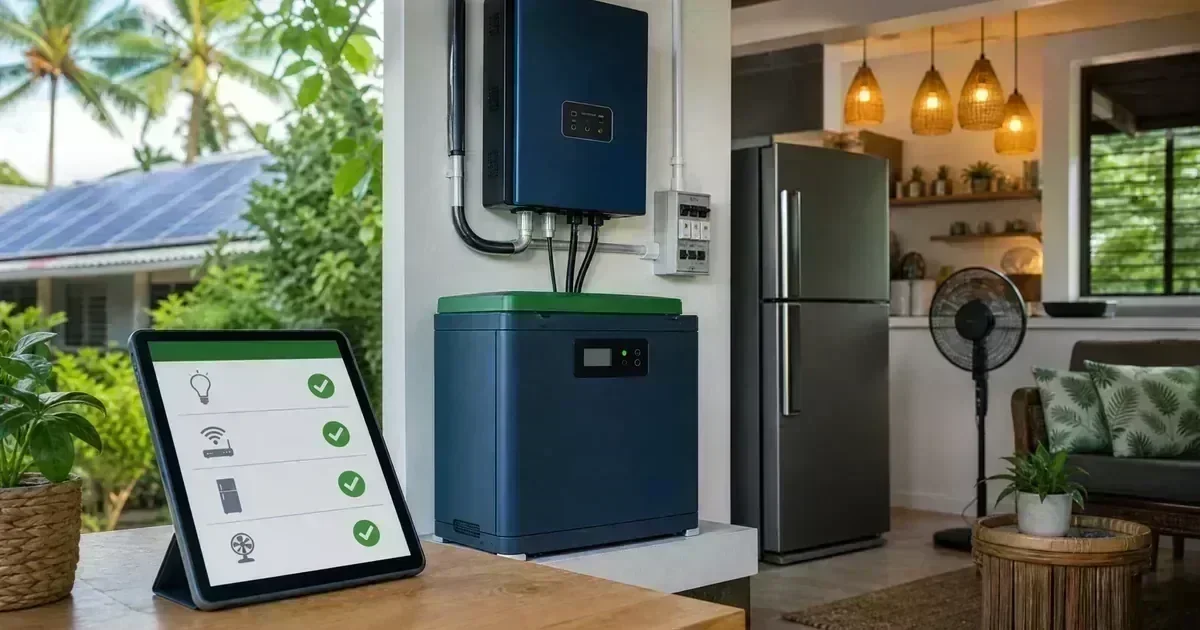
A battery is not an unlimited extension cord. During a brownout, the system must supply both the power an appliance needs at a moment and the total energy it uses over time. The most affordable designs begin by deciding what the household must keep running: food storage, lighting, communication, ventilation, water, medical equipment, or work-from-home devices. For the next planning step, see LiFePO4 battery buying guide.
Create three load tiers
Place appliances into three groups. Tier 1 includes safety and essential communication, such as selected lights, a router, phone charging, and medical equipment. Tier 2 includes comfort and food preservation, such as a refrigerator, fans, and television. Tier 3 includes high-energy discretionary loads, such as water heating, clothes drying, cooking appliances, and large air conditioners. This ranking makes trade-offs visible. For the next planning step, see solar battery-bank safety guide. For a personalized system check, use the CalcSolarPH solar calculator.
Measure running watts and starting behavior
The label wattage is a clue, not always the complete story. Motors and compressors can draw a short starting surge. When possible, use a plug-in power meter for compatible appliances or ask a qualified electrician to measure the circuit. Record the normal running watts, expected hours, and whether the appliance must operate continuously.
Design an essential-loads circuit
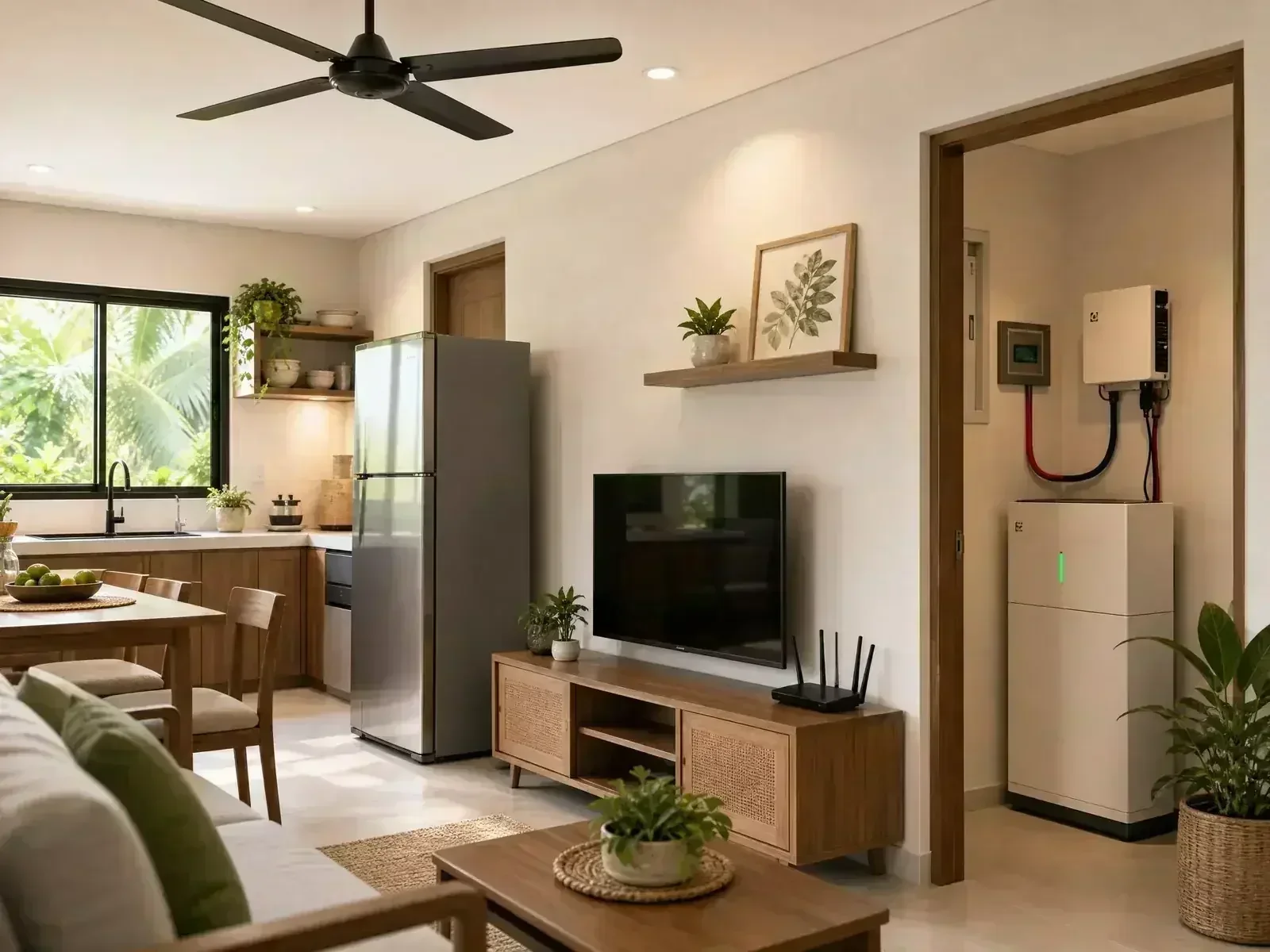
A dedicated backup subpanel can keep selected circuits powered while isolating heavy loads. The changeover equipment and neutral/ground arrangement must follow the inverter and local electrical design. Never improvise a backfeed connection through a wall outlet. The backup circuit should be clearly labeled so occupants know what is and is not supported. For the next planning step, see solar battery runtime guide.
Estimate energy for a brownout window
Multiply each appliance’s approximate running watts by the hours it will operate, then add the results in watt-hours. Add a reasonable allowance for inverter losses and battery reserve. The result is an estimate, not a guarantee; hot weather, battery age, cycling loads, and actual usage can change runtime. For the next planning step, see LiFePO4 vs lead-acid battery comparison.
Plan for water and communication
In many Philippine homes, a water pump, internet modem, phone chargers, and a few fans are more important than every lighting circuit. If a pump is essential, include its motor-starting requirement and schedule it for a defined period rather than leaving it on an unrestricted circuit.
Use the calculator as a conversation starter
CalcSolarPH’s appliance mode helps turn a list of loads into an initial setup. Review the closest package alongside the selected equipment breakdown, then ask an installer to verify surge power, wiring, protection, and battery autonomy. A good design explains which loads are included and which are intentionally excluded.
The best backup plan is understandable
Label the backed-up circuits, keep a short operating guide near the inverter, and teach household members how to reduce load when the battery is low. A smaller system that people use correctly can be more useful than an oversized system with unclear priorities.
Frequently Asked Questions
Should I back up the whole house?
Only if the system, battery, transfer equipment, and electrical installation are designed for it. Many households save money by backing up a smaller essential-loads subpanel.
Why does a refrigerator need special attention?
Its compressor cycles and may draw a higher starting current. The inverter must tolerate the starting surge, and the battery must provide enough usable energy for the expected runtime.
Can I run an air conditioner from a small battery?
Sometimes, but air conditioning can consume substantial energy and may have a high starting or variable load. Treat it as a separate design case rather than assuming it belongs on a small backup circuit.
For a first estimate, use the CalcSolarPH solar calculator, then compare the result with your actual loads and roof conditions. You can also browse the solar products catalog before speaking with an installer.
Illustrative backup-load tiers
These are planning examples, not appliance specifications. Confirm running watts and motor starting requirements before selecting an inverter.
| Tier | Example peak planning load |
|---|---|
| Safety and communication | 120 W |
| Food preservation | 350 W |
| Comfort loads | 500 W |
| Heavy motor or heating load | 1,500 W |
Brownout Planning Example for a Philippine Home
Separate must-run loads from convenience loads. For example, a refrigerator averaging 120 W for 10 hours of equivalent runtime uses about 1,200 Wh, while lights and a router totaling 45 W for 6 hours use 270 Wh. The preliminary total is 1,470 Wh before inverter losses, battery reserve, starting surge, and temperature effects. This is a planning exercise, not a promise that every appliance can run simultaneously.
| Load group | Example energy | Decision |
|---|---|---|
| Refrigerator | 120 W × 10 h = 1,200 Wh | Check starting surge and duty cycle |
| Lights + router | 45 W × 6 h = 270 Wh | Good candidate for essential backup |
| Total preliminary energy | 1,470 Wh | Add system losses and reserve through professional design |
Source note: Peso rates and utility requirements change. This is a planning example, not a tariff quote, engineering approval, or promise of savings. Verify the current bill and official utility guidance before purchasing or connecting equipment.