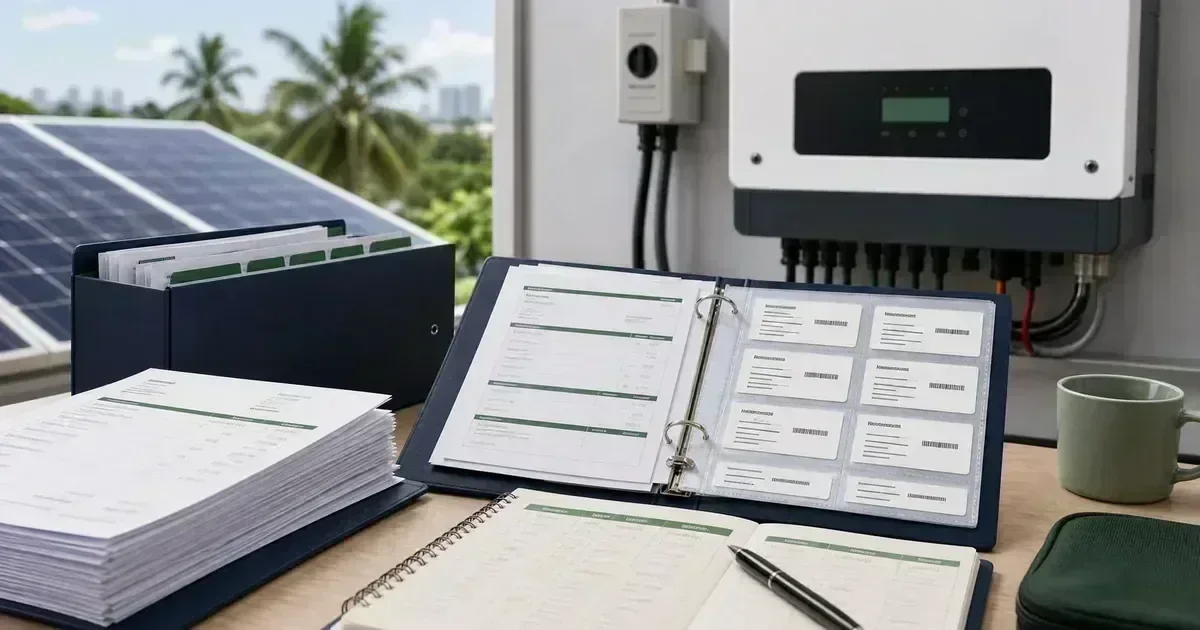
Solar systems may outlive the installer contact person, the homeowner’s phone, or the original email thread. A well-organized file lets a new technician understand the equipment without guessing and helps the owner avoid repeating the same troubleshooting steps.
Create an equipment register
List each panel model and quantity, inverter model and serial number, battery model and capacity, breakers, surge devices, monitoring gateway, mounting system, and major cable or protection specifications. The register should distinguish what was quoted, what was installed, and what was later replaced. For the next planning step, see solar panel cleaning and maintenance guide. For a personalized system check, use the CalcSolarPH solar calculator.
Separate warranty types
A product warranty comes from the manufacturer and may have conditions. Workmanship coverage comes from the installer. Roof waterproofing may have its own terms. Batteries can have cycle, throughput, temperature, and state-of-charge requirements. Store each document with its start date, duration, exclusions, and claim process.
Document the original condition
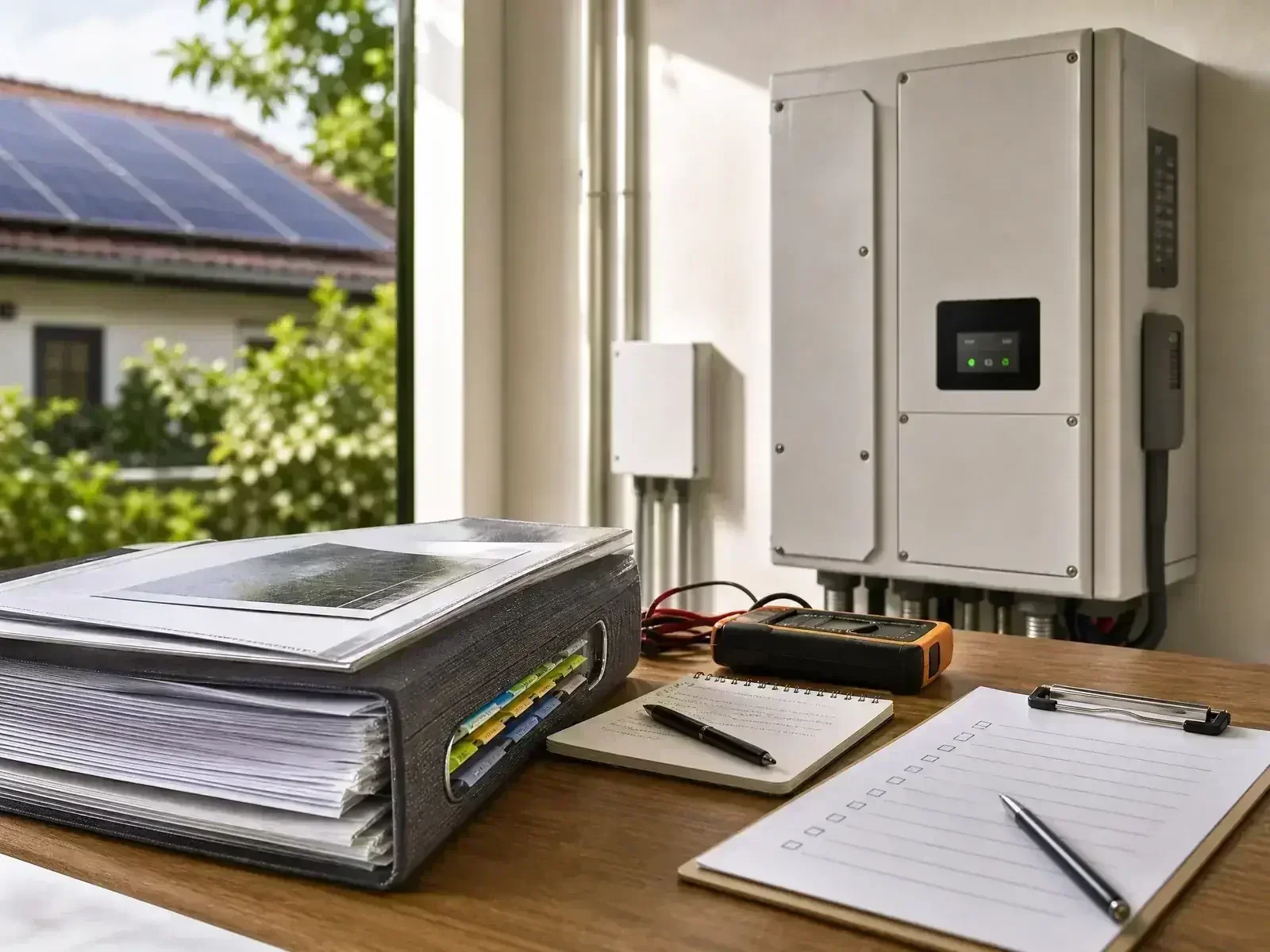
After commissioning, photograph the array, inverter, battery, electrical board, labels, roof penetrations, cable routes, and monitoring setup. Keep the photos at their original quality and add a short note describing the date and location. This baseline makes later changes easier to identify. For the next planning step, see solar monitoring guide.
Maintain a service log
For every visit, record the date, technician, reported symptom, tests performed, parts changed, firmware updates, readings, and next action. If an issue remains open, write the target follow-up date. Avoid relying on a chat message that may be lost when a phone is replaced.
Prepare a clean claim packet
A claim packet should include the invoice or proof of purchase, serial number, warranty document, error screenshots, monitoring trend, service history, and a plain-language description of what changed. Be factual. Avoid altering equipment or attempting repairs that could complicate the assessment.
Keep digital and physical copies
Use a folder with predictable names such as 01-quotation, 02-commissioning, 03-warranties, 04-monitoring, and 05-service. Keep a second copy offline or in a separate cloud account. Do not store passwords in an unprotected public file.
Use the file during upgrades
When adding panels, changing batteries, or connecting new loads, give the installer the current system file. Accurate records reduce compatibility surprises and help preserve a coherent single-line diagram after the expansion. For the next planning step, see solar system maintenance guide.
Frequently Asked Questions
Why keep records if the installer already has them?
The homeowner controls the property and may change installers, internet accounts, or contact details. Your own records preserve the evidence needed for troubleshooting, warranty, insurance, and future upgrades.
What photo is most useful for a warranty claim?
Take clear photos of the equipment label, installation context, visible damage or error message, and the monitoring screen with date and time. Do not remove covers or create a safety hazard to obtain a photo. For the next planning step, see solar installation handover checklist.
How often should I update the system file?
Update it after installation, each service visit, equipment replacement, roof work, battery change, monitoring-account change, or new circuit added to the system.
For a first estimate, use the CalcSolarPH solar calculator, then compare the result with your actual loads and roof conditions. You can also browse the solar products catalog before speaking with an installer.
Keep records for the full ownership timeline
Illustrative retention timeline. Follow each manufacturer, installer, utility, and insurance requirement instead of relying on a generic period.
| Record group | Illustrative retention horizon |
|---|---|
| Installation records | At least 1 year |
| Commissioning results | At least 2 years |
| Service and maintenance logs | At least 5 years |
| Warranty and ownership records | Until warranty expiry or longer |
Keep Utility and Regulatory Records With the Warranty File
A strong Philippine warranty file should include the signed quotation, exact equipment models, serial numbers, one-line diagram, commissioning record, utility correspondence, meter details, inspection documents, monitoring screenshots, and dates of any changes. If the project is in a PEZA ecozone, retain zone-level approvals or contracts separately from a residential net-metering file. Documentation helps distinguish a product defect from an installation, utility, export, or configuration issue.